如何在 Core Keeper 服务器上使用自定义世界种子

列印
  • 0

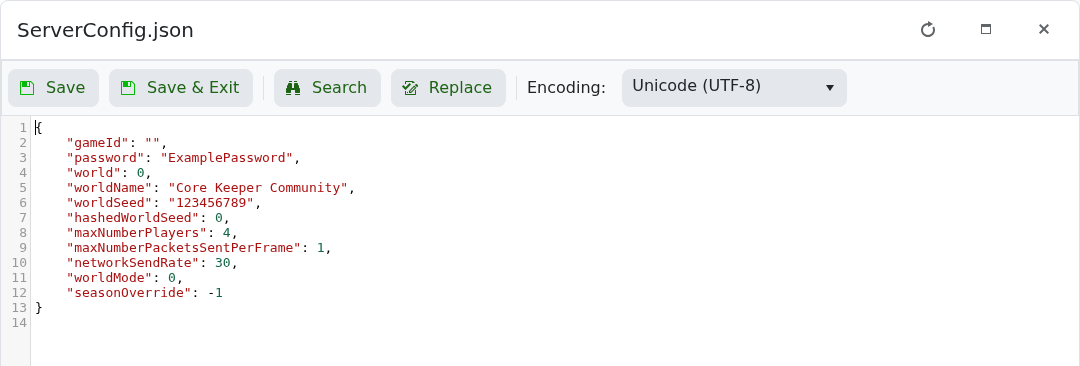
worldSeed 控制新世界的生成。它不会重建已存在的地形,因此请在首次加载新槽位之前选择种子。

  1. 停止服务器并打开 ServerConfig.json
  2. 选择一个未使用的 world 槽位。
  3. 将所需的种子作为 worldSeed 字符串输入,并将 hashedWorldSeed 保持为 0

    Core Keeper ServerConfig.json settings in the TCAdmin text editor

  4. 保存文件,启动服务器并加入新世界。
"world": 2,
"worldSeed": "123456789",
"hashedWorldSeed": 0

当您希望游戏选择随机种子时使用 "0"。不要在已建立的世界上更改种子并期待已探索的地形被重新生成。


這篇文章有幫助嗎?

相關文章

« 返回

Follow us on Social Media

Stay in the loop! Follow our social media accounts and stay up-to-date with the latest news, announcements, tips & tricks and behind-the-scenes insights!