worldMode 设置决定在创建世界时使用的模式。
| 值 | 模式 |
|---|---|
0 | Normal |
1 | Hard |
2 | Creative |
4 | Casual |
- 备份服务器并停止它。
- 打开
ServerConfig.json并将worldMode设置为所需的数字。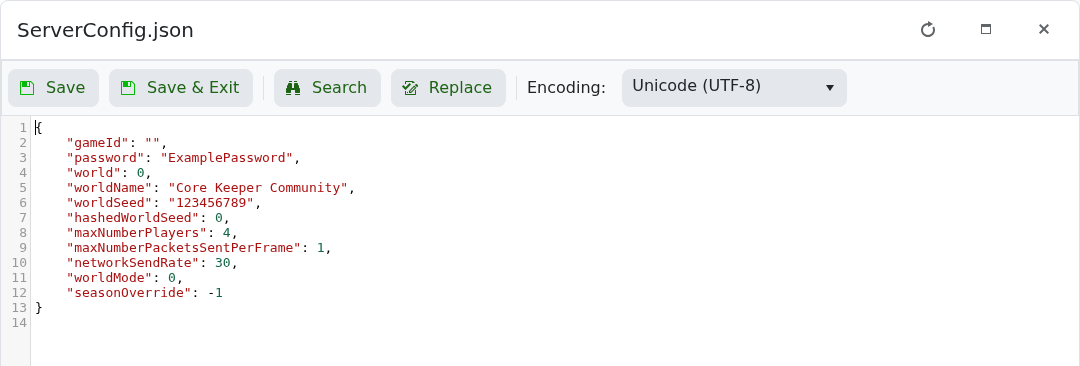
- 如果要在新模式下创建世界,请选择一个未使用的
world槽位。 - 保存文件并启动服务器。
在创建世界后在 Creative 模式和非 Creative 模式之间切换不受支持。进行该更改时请创建一个新槽。
worldMode 设置决定在创建世界时使用的模式。
| 值 | 模式 |
|---|---|
0 | Normal |
1 | Hard |
2 | Creative |
4 | Casual |
ServerConfig.json 并将 worldMode 设置为所需的数字。
world 槽位。在创建世界后在 Creative 模式和非 Creative 模式之间切换不受支持。进行该更改时请创建一个新槽。
