如何更改 Squad 服务器名称

列印
  • 0

修改 Server.cfg 中的 ServerName,即可设置玩家在 Squad 服务器浏览器中看到的名称。

  1. 在游戏控制面板中打开你的 Squad 服务,然后停止服务器。
  2. 打开 Configuration Files,然后选择 Server.cfg 旁边的 Text Editor。
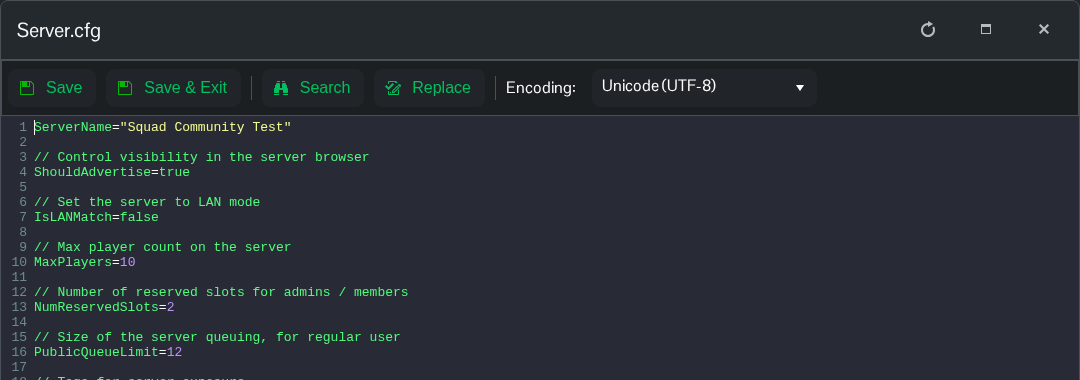
  3. 找到靠近顶部的 ServerName 行,并替换引号内的文本。例如,使用
    ServerName="Squad Community Test"

    Squad Server.cfg 中的 ServerName 设置和 Save & Exit 控件

  4. 点击 Save & Exit,然后启动服务器。服务器加载完成后,在 Squad 中搜索新名称。

這篇文章有幫助嗎?

相關文章

« 返回

Follow us on Social Media

Stay in the loop! Follow our social media accounts and stay up-to-date with the latest news, announcements, tips & tricks and behind-the-scenes insights!