Squad 从 ServerMessages.cfg 读取轮播公告。消息之间的间隔需在 Server.cfg 中单独设置。
- 在游戏控制面板中打开你的 Squad 服务,并停止服务器。
- 打开 Configuration Files,然后点击
SquadGame\ServerConfig\ServerMessages.cfg旁边的 Text Editor。 - 每条公告单独占一行。例如:
Welcome to our Squad community.
Keep voice chat clear for your squad.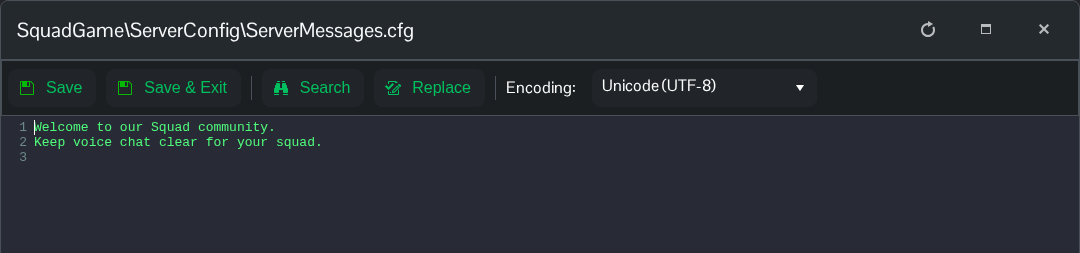
- 点击 Save & Exit,然后在 Text Editor 中打开
Server.cfg。将ServerMessageInterval设置为消息之间的秒数。此示例使用两分钟。ServerMessageInterval=120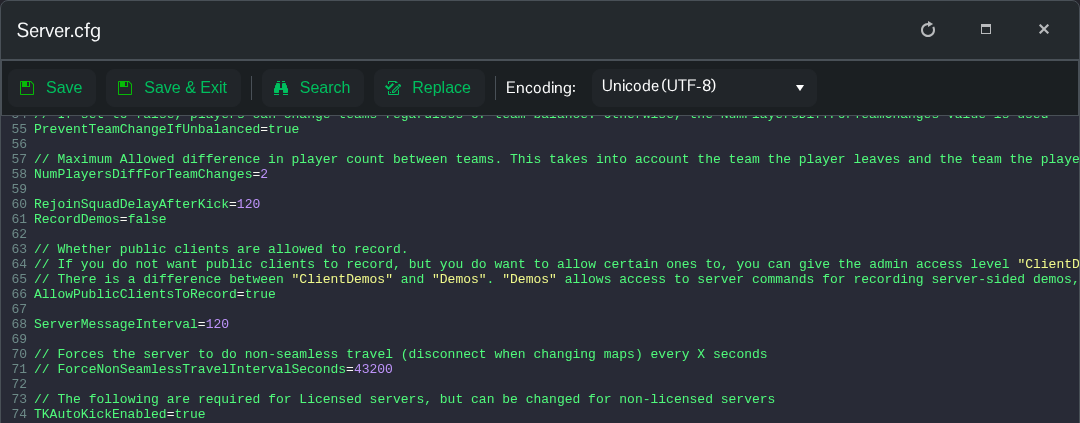
- 点击 Save & Exit,然后启动服务器。
