一些Windows游戏服务器在启动前需要支持的运行时包。常见的例子是Microsoft Visual C++ Redistributables和DirectX运行时文件。
Chocolatey可以加快常见Windows运行时的安装,但当游戏列出特定依赖项时,您仍应遵循游戏文档。
- 使用远程桌面连接到Windows VPS。
- 以管理员身份打开PowerShell。
- 使用官方Chocolatey设置页面上的当前命令安装Chocolatey:Chocolatey设置文档。
- 关闭并重新打开PowerShell,然后检查Chocolatey是否正常工作:
choco -v
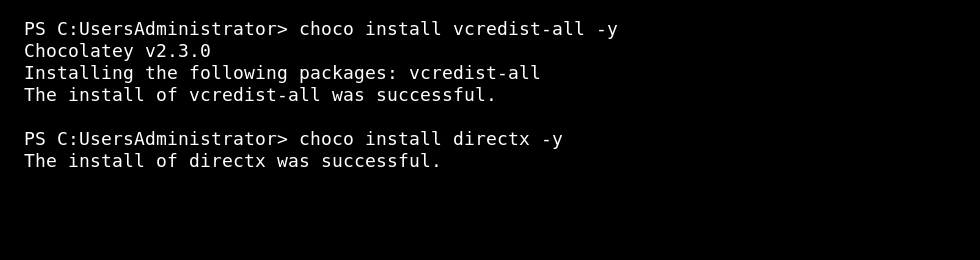
- 安装常见的Visual C++ Redistributables和DirectX运行时包:
choco install vcredist-all -y
choco install directx -y
- 安装运行时包后重启VPS。
- 再次启动游戏服务器并检查其控制台或日志输出。
如果游戏提供了自己的依赖项安装程序,请首先使用游戏的安装程序或文档。不要从非官方下载网站安装随机运行时包。
