The Conan Exiles admin password lets trusted players unlock the in-game admin panel. Use a different password from your client area, Steam, and control panel passwords.
- Open your Conan Exiles server in the control panel.
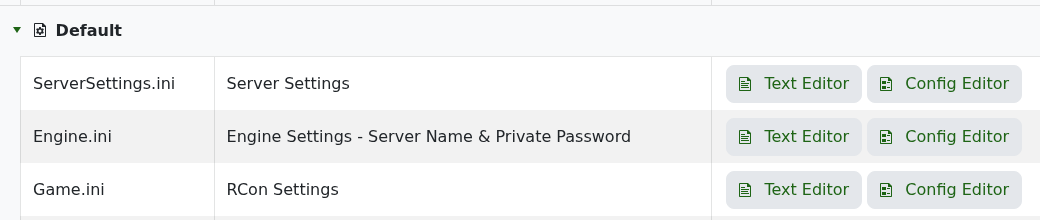
- Click Configuration Files.
- Open Text Editor for
ServerSettings.ini. - Find or add this line under
[ServerSettings]:
AdminPassword=YourStrongAdminPasswordHere- Save the file.
- Restart the server so the password is loaded.
- Join the server, open the in-game menu, open Server Settings, and use Make Me Admin with the admin password.
If the password is rejected
- Check that you are using the admin password, not the private join password.
- Remove leading or trailing spaces from the saved value.
- Restart the server after changing the password.
- If the admin panel still does not unlock, submit a support ticket. Do not include the password unless support specifically asks for it.
