Your server appears in Don't Starve Together's Browse Games list under the name set in cluster.ini.
- Open the service and wait until its status is Running.
- Note the exact server name from Configuration Files >
cluster.ini> Config Editor. - Start Don't Starve Together, click Play, then open Browse Games.
- Search for the exact server name, select it and click Join.
- Enter the server password if one has been set.
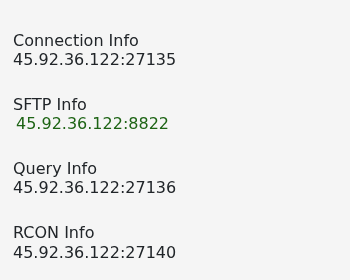
If the server is missing, allow a few minutes after startup and remove filters that conflict with its game mode or password setting. The service page also shows the connection and query addresses support will need when checking a listing problem.