The active player limit is stored as max_players in cluster.ini. Keep it within the slot allowance shown for your LogicServers service.
- Open the service and stop the server.
- Click Configuration Files, then Text Editor beside
cluster.ini. - Under
[GAMEPLAY], change the number inmax_players = 8to the required limit.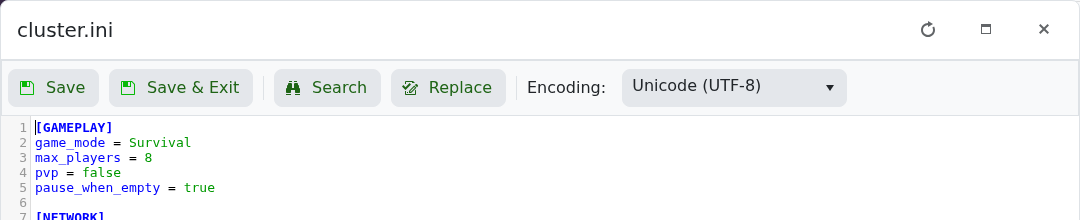
- Click Save & Exit, then start the server.
If you need more slots than your service includes, upgrade the service first. A larger player limit also increases CPU and memory demand, particularly on modded or long-running worlds.
