Add a join password through a custom command line when you only want invited players to connect.
- Stop the server and open Commandline Manager.
- Open Custom Commandlines and create a new profile, or edit the one you already use.
- Tick Server Password and enter the new password. Keep the required map and scenario options selected as well.
- Save the profile, click Select beside it and start the server.
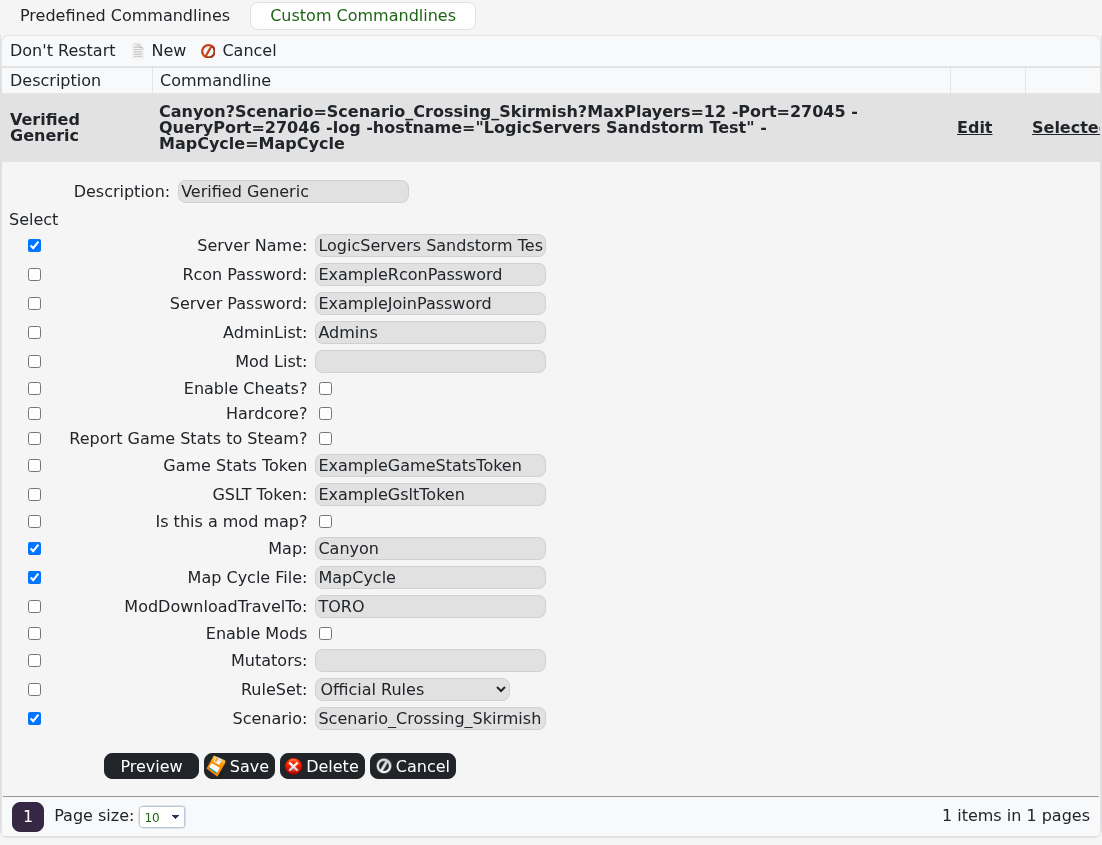
To make the server public again, clear the password in the active custom profile or select a non-private predefined command line, then restart.
