Sandstorm reads server administrators from Admins.txt. You need each administrator's 17-digit SteamID64.
- Stop the server and open Configuration Files.
- Click Text Editor beside
Admins.txt. - Enter one SteamID64 per line, without names, commas or quotation marks.
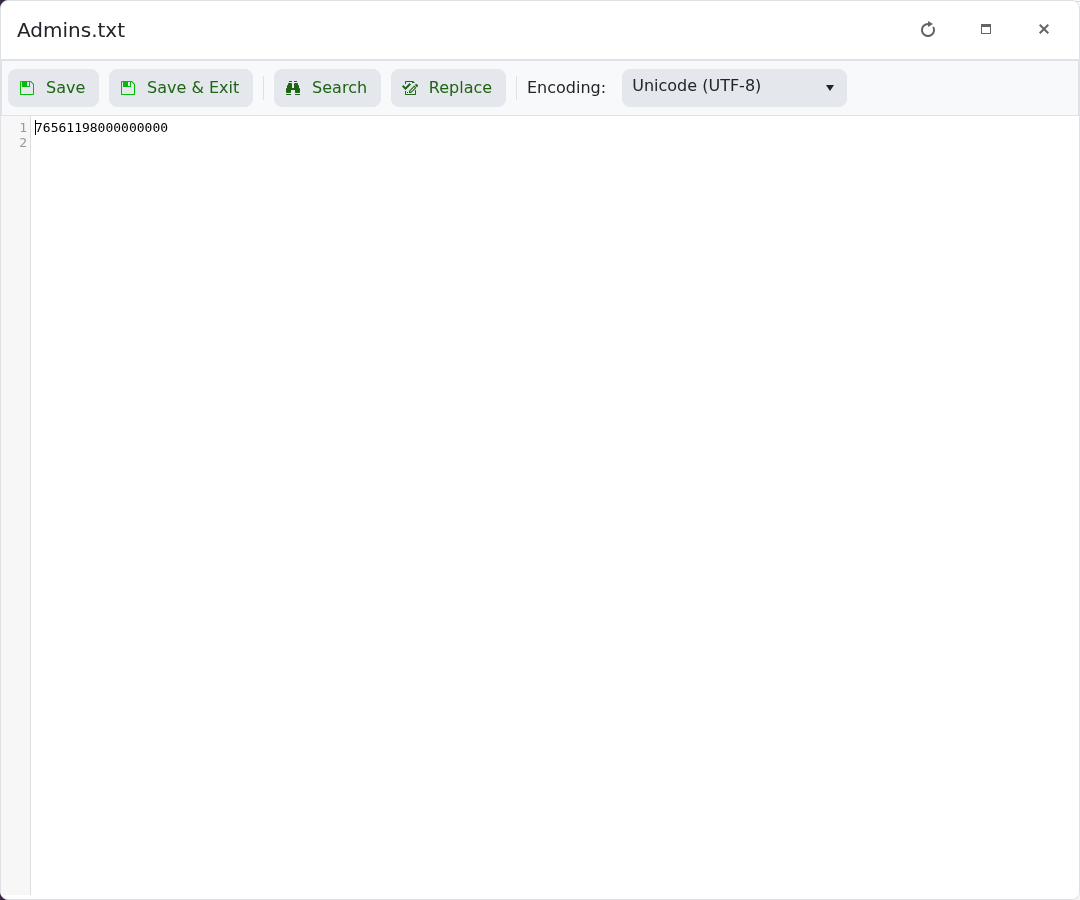
- Click Save & Exit and start the server.
The active command line should use Admins as its AdminList value. The supplied profiles already do this; keep that value if you create a custom profile.
