A custom command line lets you combine a server name, password, map, scenario, map cycle and optional mod settings in one reusable profile.
- Stop the server and open Commandline Manager.
- Choose Custom Commandlines and click New.
- Enter a description so you can recognise the profile later.
- Tick each setting the profile should control and enter its value. Select a valid Map and Scenario; use
MapCyclefor the standard map-cycle file. - Click Preview to check the generated command, then Save.
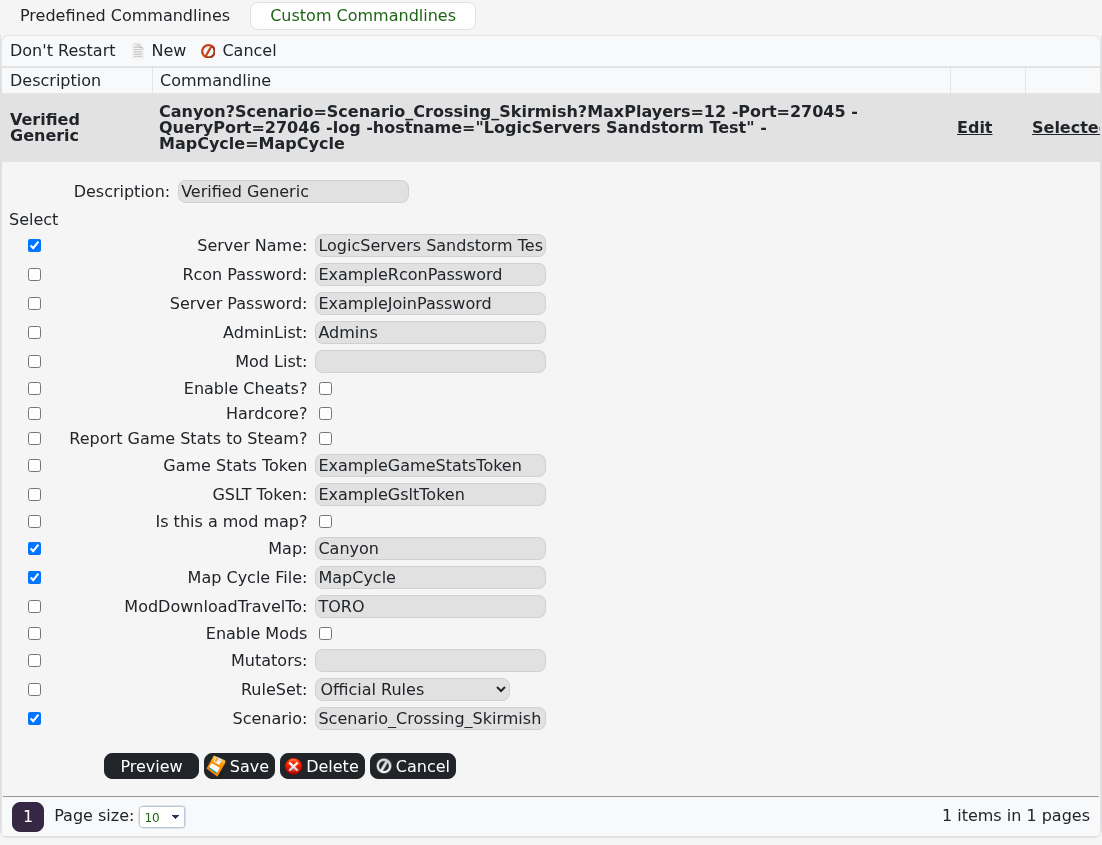
- Click Select beside the profile and start the server.
Only tick options you intend to override. If the service enters StartError after a change, select the plain Generic profile to confirm the base server still starts before rebuilding the custom profile.
