MapCycle.txt controls the scenarios available to the server. Each entry must use a valid scenario name rather than only a map name.
- Stop the server and open Configuration Files.
- Open the
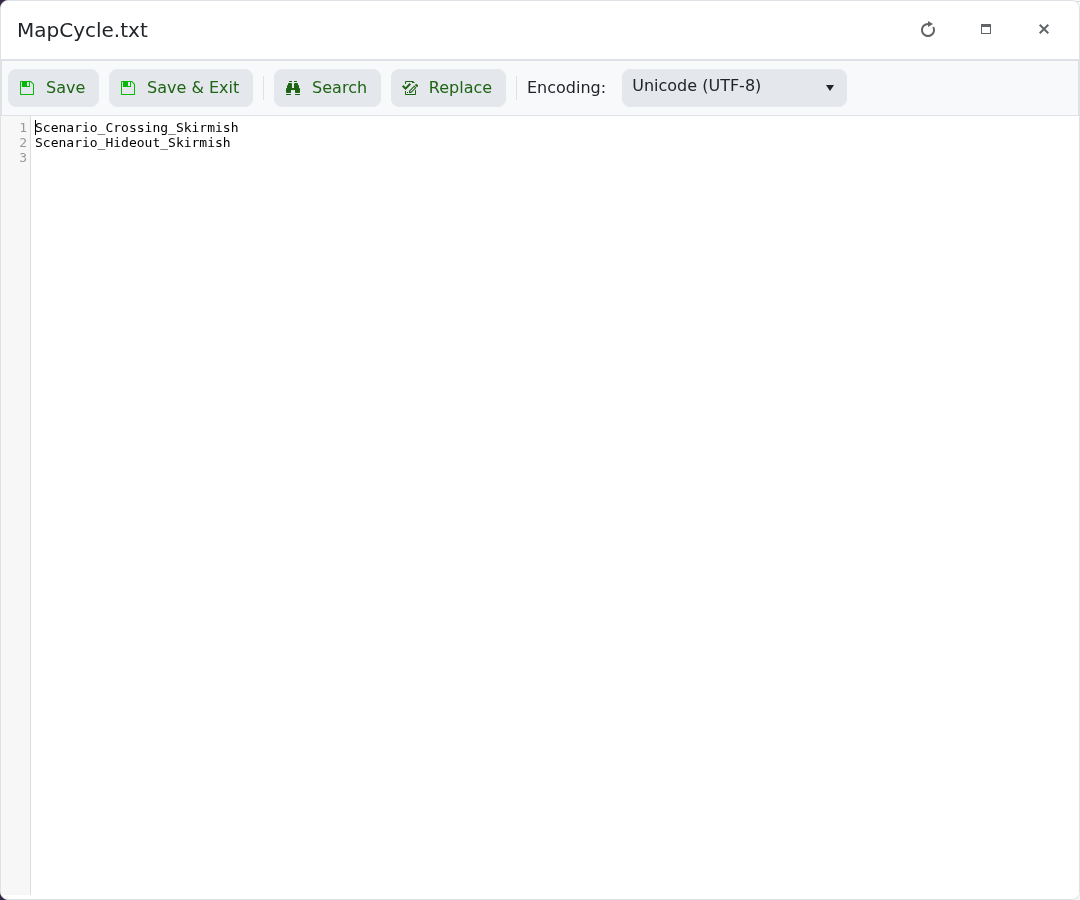
MapCycle.txtText Editor. - Add one scenario per line, then click Save & Exit.
- Open Commandline Manager and make sure the active profile uses
MapCycleas its Map Cycle File. - Start the server.
For example, Scenario_Crossing_Skirmish loads Crossing with the Skirmish scenario. A misspelt or unsupported scenario can prevent the intended level from loading.
