Run Steam Update when players receive a version mismatch or a Medieval Engineers dedicated-server update is released.
- Ask players to disconnect and create a current backup.
- Stop the server.
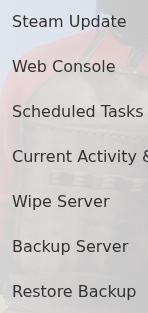
- Open More and click Steam Update.
- Wait for the update task to finish before starting the service.
- Update the game through Steam, then reconnect.
If the service fails to start afterwards, check worlds/MedievalEngineersDedicated.log for the first error from the latest launch. Avoid repeatedly starting it while an update task is still running.
