Create a backup before editing configuration, changing worlds or running an update. For major world work, also download the worlds folder through FTP so you have a separate copy of the save.
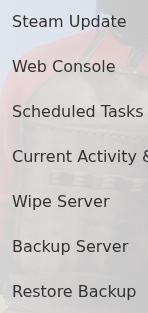
- Stop the server, open More and click Backup Server.
- Confirm the action and wait for the backup task to finish.
To restore a panel backup, leave the service stopped, open Restore Backup, select the required dated archive, tick Are you sure? and click Execute.

The restore action recovered a tested change to the main configuration. After restoring, check the files below worlds/Saves/World, start the server and join before deleting any newer backup or FTP copy.
