The main dedicated-server log is worlds/MedievalEngineersDedicated.log. The active world also keeps chat and watch logs below its own Logfiles folder.
- Reproduce the problem once and note the time.
- Open File Manager and browse to
worldsforMedievalEngineersDedicated.log.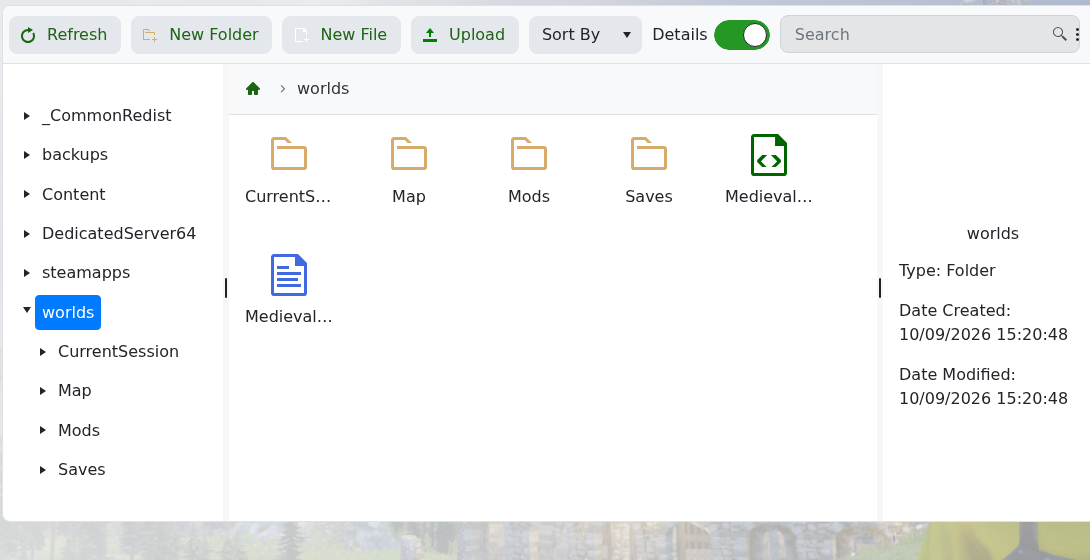
- For player chat or world activity, browse to
worlds/Saves/World/Logfiles.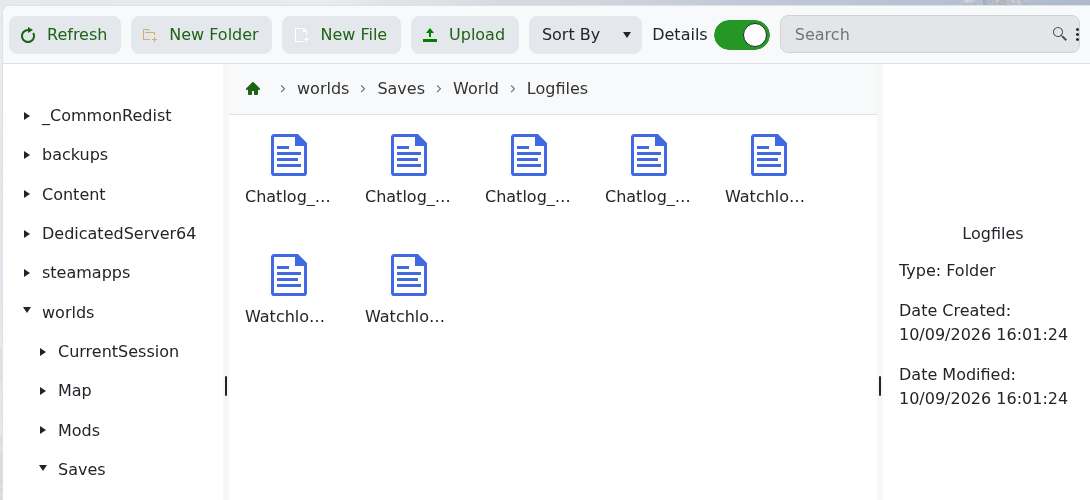
- Open the newest relevant file and start with the first error around the time of the problem.
The files under DedicatedServer64/logs are Steam and runtime support logs, not the main game log. Include the relevant lines and the last change made when contacting support.
