To join your Stormforge server, you'll need its IP address and port from TCAdmin, along with the server password if you've set one. Your game and server must be on the same version.
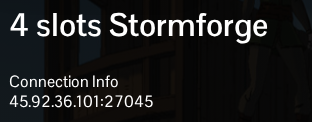
- Open your Stormforge service in TCAdmin and copy the full address under Connection Info, including the port after the colon. Make sure the server is running before you connect.
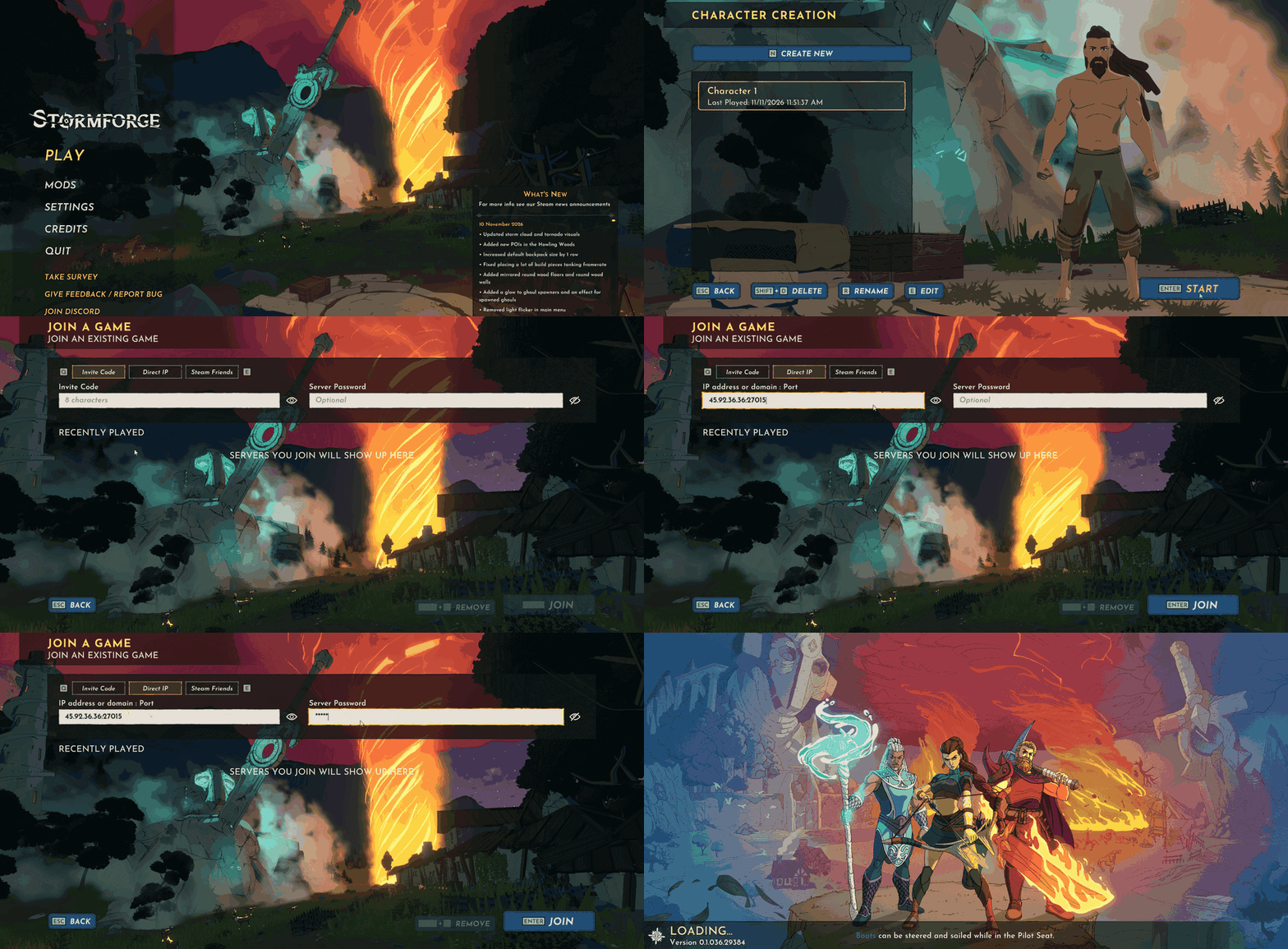
- Start Stormforge and click Play.
- Select your character, or create one, then click Start.
- Choose Join a Game, then select the Direct IP tab.
- Paste the address into IP address or domain : Port. For example,
203.0.113.10:27015shows the format; use the address and port from your own panel. - Enter your Server Password if one is set, then click Join.
Use the game address under Connection Info when joining. The FTP, query and RCON addresses shown elsewhere in TCAdmin serve different purposes.
