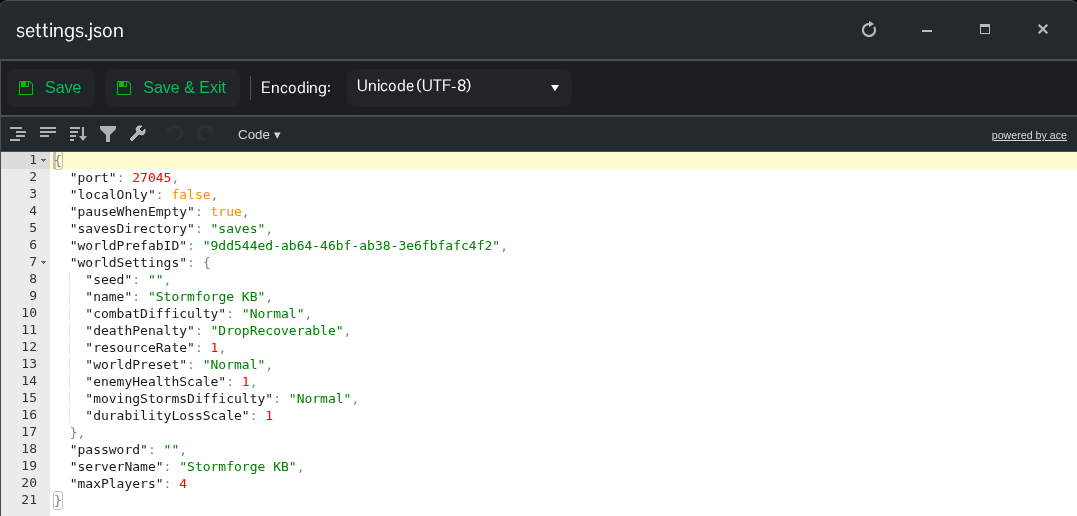
You can change your Stormforge world's name through Config Editor, or edit settings.json directly. The file also has a separate serverName entry.
Using Config Editor
- Open your Stormforge service in TCAdmin and click Stop.
- Open Configuration Files and click Config Editor beside
settings.json.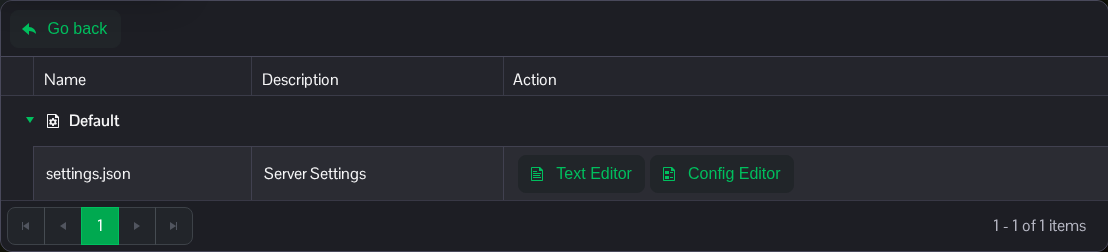
- Enter the name you want in Server Name.
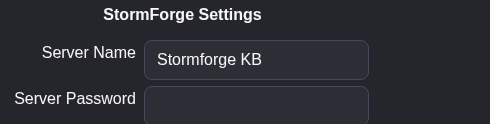
- Click Save & Exit, then start the server again.
The editor's Server Name field currently writes the world name at worldSettings.name. To change the separate serverName value too, use Text Editor below.
Using Text Editor
Stop the server, open Configuration Files and choose Text Editor beside settings.json. Change serverName, and the name entry inside worldSettings if you want to rename the world too:
{
  "serverName": "My Stormforge Server",
  "worldSettings": {
    "name": "My Stormforge World"
  }
}
This example shows only the name entries. Keep the other settings in your file, click Save & Exit and start the server.