Set a separate admin password for Fear the Night administration. Anyone who needs to join should receive the join password rather than this one.
- Open your Fear the Night server in the game control panel and click Stop. Wait until its status is Stopped.
- Open Configuration Files and click Text Editor beside
GameUserSettings.ini.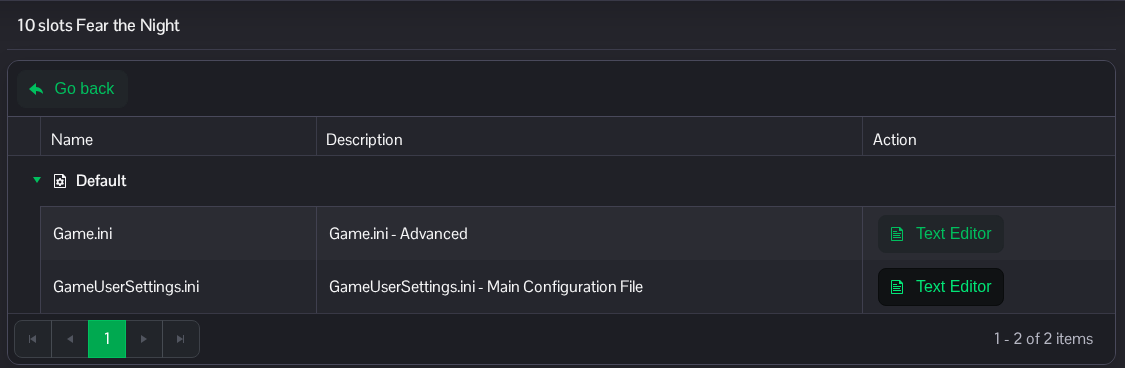
- Find
[ServerSettings]. AddServerAdminPasswordbeneath this heading if it is missing. Replace only the value when the line already exists, and keep it different from your join password.[ServerSettings] ServerAdminPassword=ChooseYourOwnAdminPassword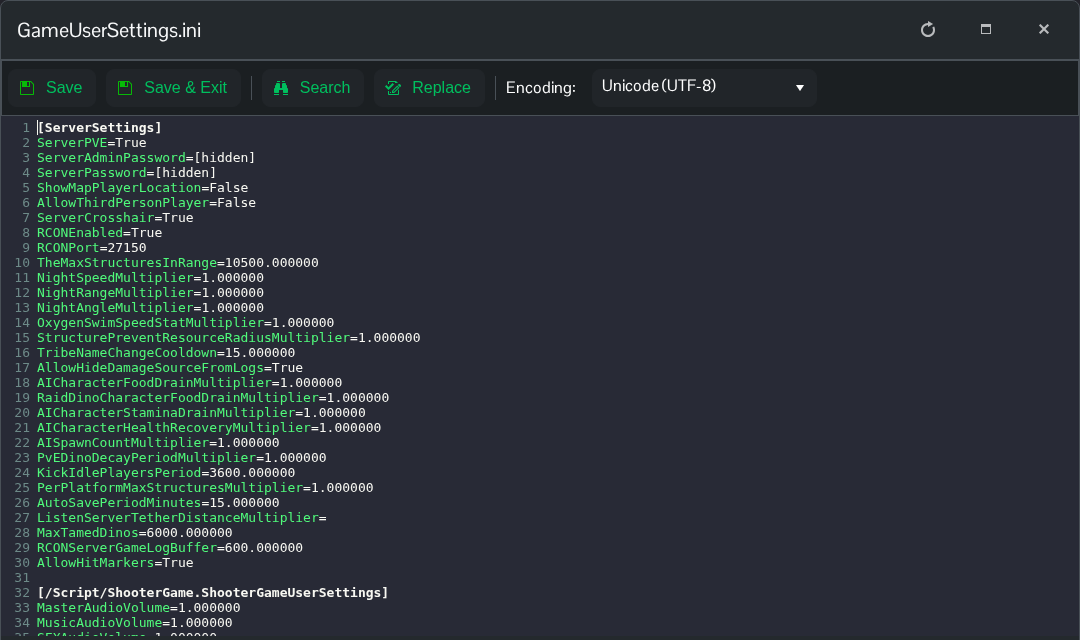
- Click Save & Exit, return to the server page and click Start. Keep the admin password private. Changing this value does not change
ServerPassword.
You can also reach this file through File Manager at Saved/Config/WindowsServer/GameUserSettings.ini. FTP is another option if you prefer to edit a downloaded copy.
