Use ShowMapPlayerLocation to choose whether players can see their locations on the map. Change this setting in the server file rather than the graphics options further down the same file.
- Open your Fear the Night server in the game control panel and click Stop. Wait until its status is Stopped.
- Open Configuration Files and click Text Editor beside
GameUserSettings.ini.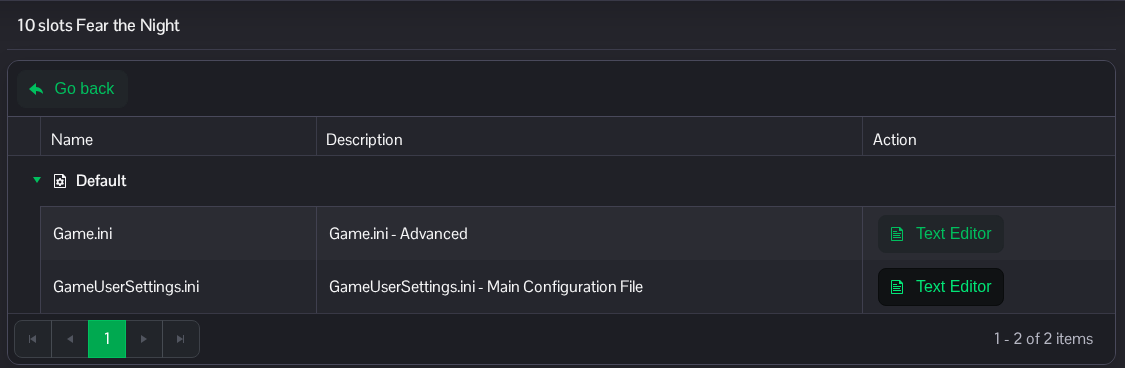
- Find
[ServerSettings]. Change the existingShowMapPlayerLocationvalue toTrueto show player locations orFalseto hide them.[ServerSettings] ShowMapPlayerLocation=True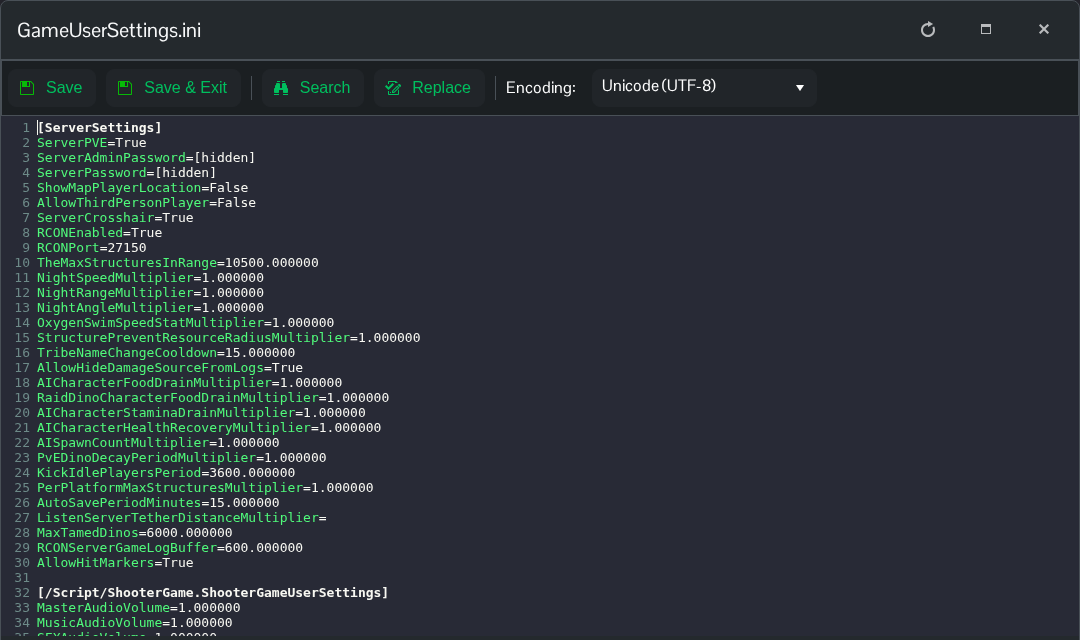
- Click Save & Exit, return to the server page and click Start. The saved value applies when the server starts again.
You can also reach this file through File Manager at Saved/Config/WindowsServer/GameUserSettings.ini. FTP is another option if you prefer to edit a downloaded copy.
