Fear the Night stores its PvE setting in GameUserSettings.ini. You can enable it without replacing your world files.
- Open your Fear the Night server in the game control panel and click Stop. Wait until its status is Stopped.
- Open Configuration Files and click Text Editor beside
GameUserSettings.ini.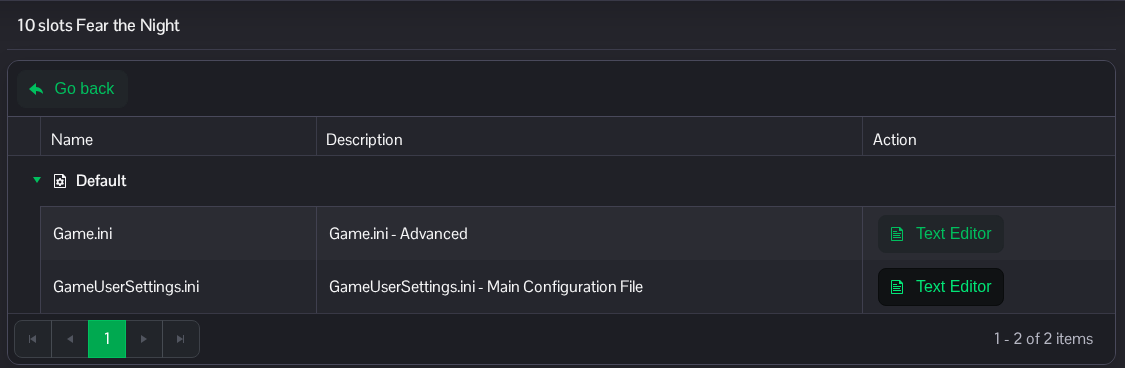
- Find
[ServerSettings]. SetServerPVE=Trueto enable PvE. Add the line if it is missing; do not add a second[ServerSettings]section.[ServerSettings] ServerPVE=True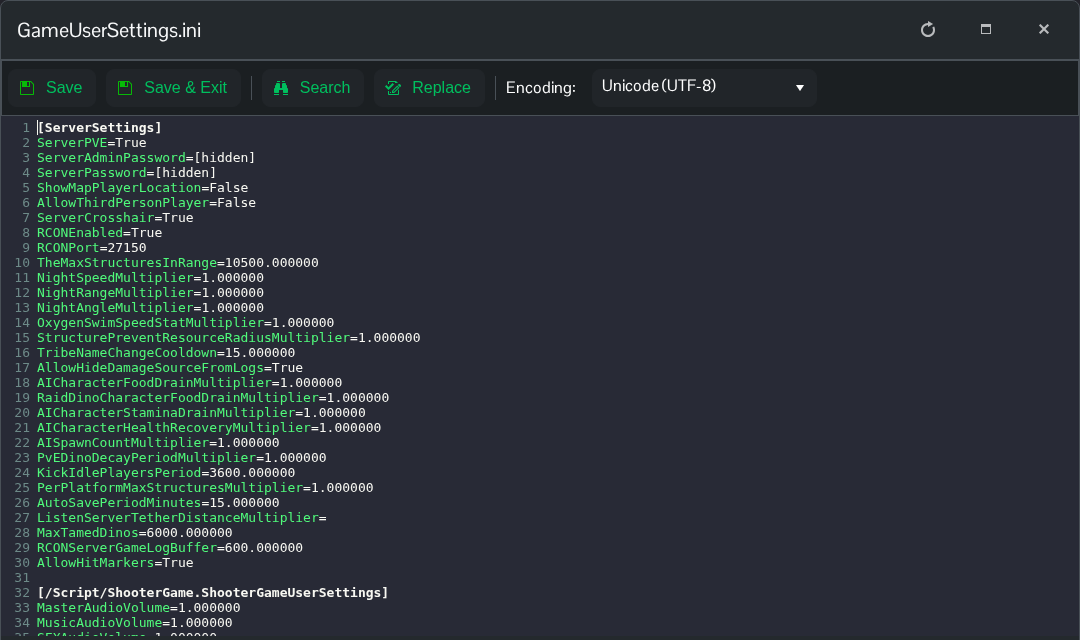
- Click Save & Exit, return to the server page and click Start. Use
ServerPVE=Falseand restart if you want to return to PvP.
You can also reach this file through File Manager at Saved/Config/WindowsServer/GameUserSettings.ini. FTP is another option if you prefer to edit a downloaded copy.
