AllowThirdPersonPlayer controls whether your Fear the Night server permits third-person view. It is separate from the client preferences in the ShooterGameUserSettings section.
- Open your Fear the Night server in the game control panel and click Stop. Wait until its status is Stopped.
- Open Configuration Files and click Text Editor beside
GameUserSettings.ini.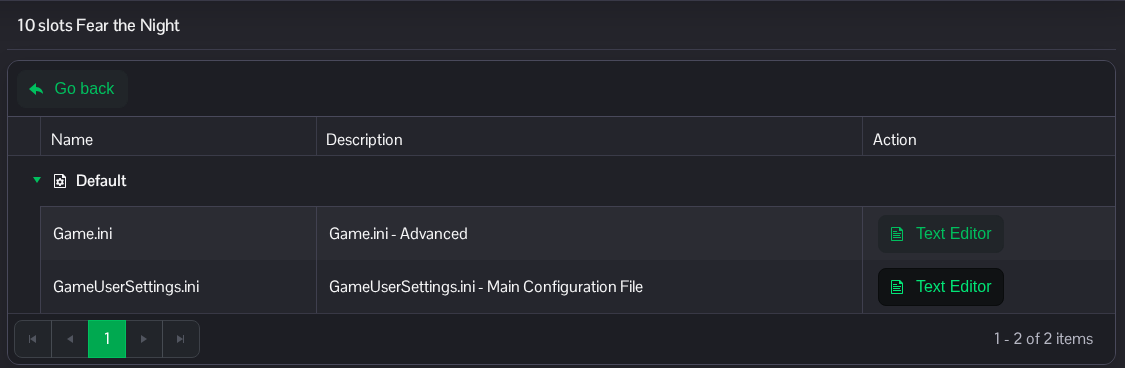
- Find
[ServerSettings]. SetAllowThirdPersonPlayer=Falseto disable third-person view, orTrueto allow it. Change the existing line under[ServerSettings].[ServerSettings] AllowThirdPersonPlayer=False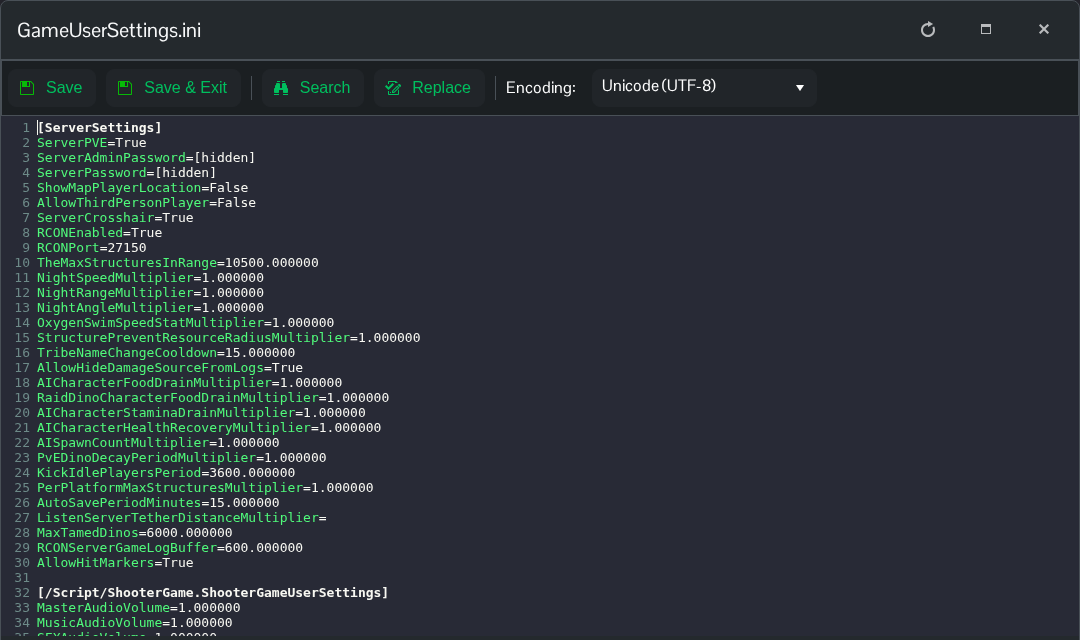
- Click Save & Exit, return to the server page and click Start. Players will use the server's new setting after it restarts.
You can also reach this file through File Manager at Saved/Config/WindowsServer/GameUserSettings.ini. FTP is another option if you prefer to edit a downloaded copy.
