Run Steam Update from the control panel to bring your Fear the Night server files up to date.
- Stop your server and create a backup before updating.
- Open Steam Update. The update can begin as soon as you open this page, so do this when your players have finished.
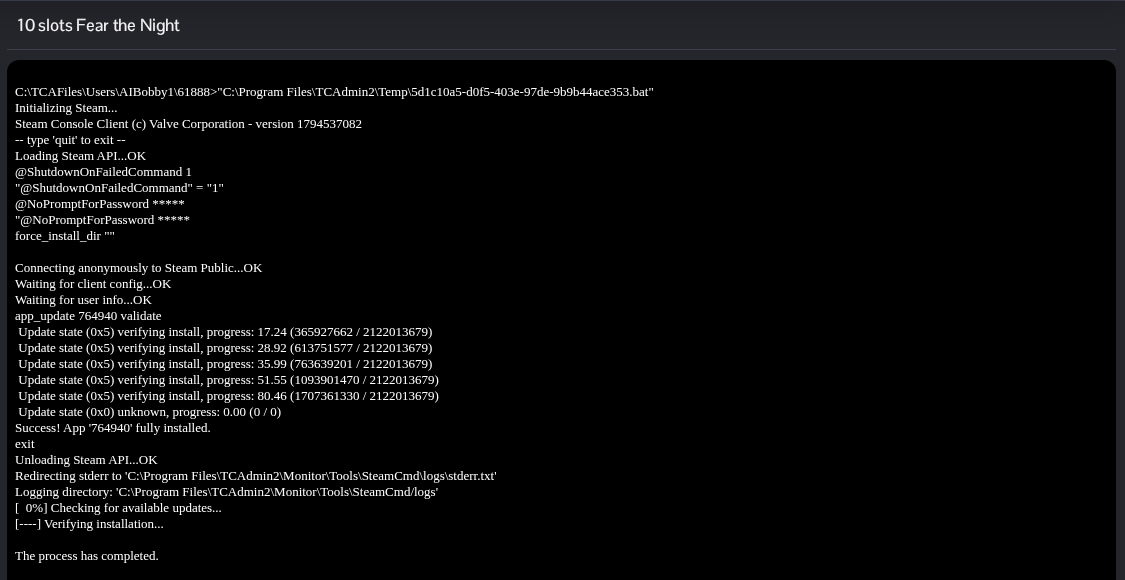
- Leave the update window open until SteamCMD reports that the application is fully installed and the process completes. Do not start another update while the first one is running.
- Return to the server page and click Start. If your game client also has an update available, install it before you try to join.
