Karagon's panel backup captures the data under NewKaragon/Saved, including Settings.ini, logs and the generated world save.
- Stop your Karagon server and wait for Stopped.
- Click Backup Server, then confirm with OK.
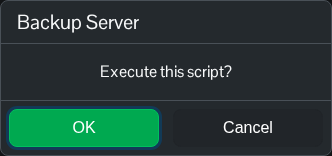
- Wait for the script to finish compressing and uploading the archive successfully. Open Restore Backup and check that the new dated ZIP is listed.
For a separate local copy, open File Manager and download the .csav in NewKaragon/Saved/SaveGames as well as NewKaragon/Saved/Config/WindowsServer/Settings.ini. Right-click each file and choose Download. You can also use FTP for those downloads.
