Restore a dated Karagon backup when you need to recover the saved world and configuration from that point. Keep a copy of any newer files you still want before you restore.
- Stop the server and wait for Stopped.
- Open Restore Backup, choose the dated ZIP under Select a backup to restore and tick Are you sure?.
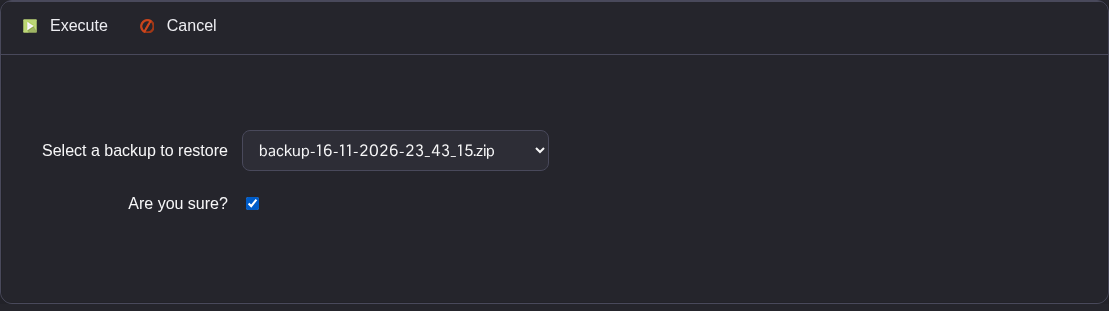
- Click Execute and wait for the script to report that it has executed successfully.
- Check the restored
Settings.iniand the.csavinNewKaragon/Saved/SaveGames, then start the server.
The archive restores the files it contains, including your saved settings. Changes made after that backup may need to be applied again.
