You can change resource gathering in Game.ini.
- Stop your Outpost Zero server and wait for Stopped.
- Open Configuration Files and click Text Editor beside Game.ini.
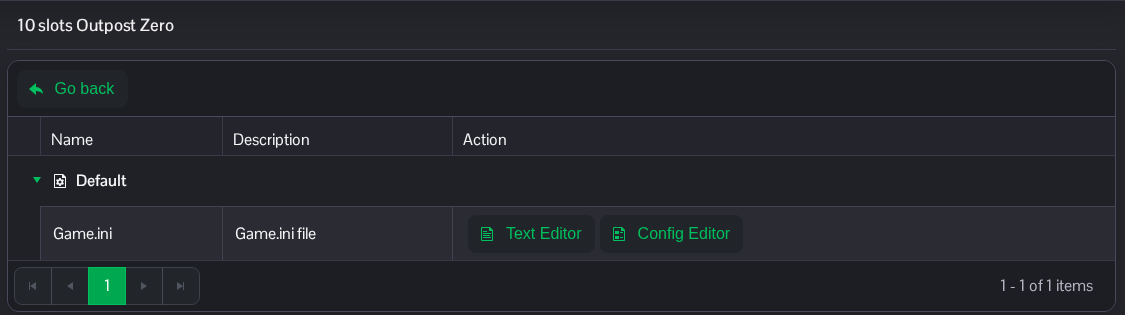
- Find the
[/Script/SurvivalGame.ResourceDeposit]section and changeGlobalGatherRateScale. The installed default is1.0; this example sets2.0. Keep other settings in place. If the section is missing, add it once at the end of the file.[/Script/SurvivalGame.ResourceDeposit] GlobalGatherRateScale=2.0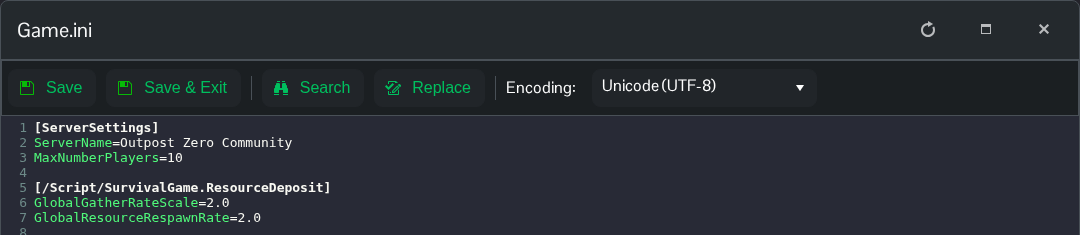
- Click Save & Exit, then start the server.
To return this setting to the installed default, set GlobalGatherRateScale=1.0 and restart.
You can also open the same file in File Manager at Saved/Config/WindowsServer/Game.ini. FTP is an alternative for transferring a local copy.
