Use a dated panel archive to recover the Outpost Zero files it contains. Download any newer settings or save files you still need before restoring.
- Stop the server and wait for Stopped.
- Open Restore Backup, select the required dated ZIP and tick Are you sure?.
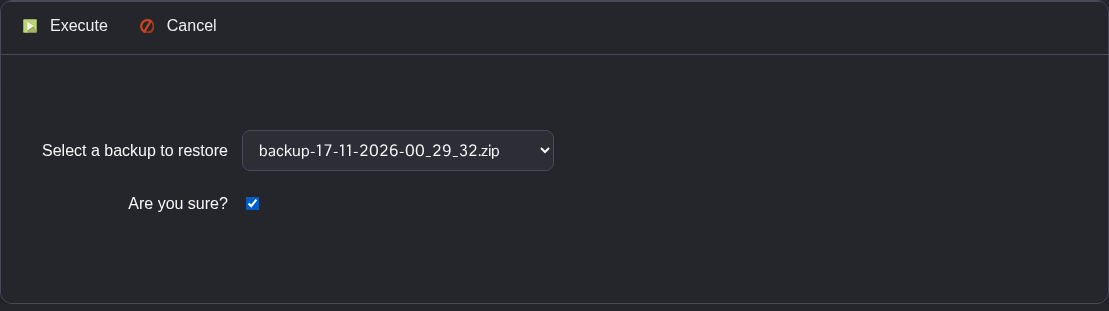
- Click Execute. Wait for the script to finish successfully before starting the server or making other changes.
- Check
Saved/Config/WindowsServer/Game.iniin Configuration Files using Text Editor, then start the server.
The archive can include game files as well as settings. Files changed since its date may be replaced with their earlier versions.
