A Minecraft subdomain gives players a cleaner address to use in Multiplayer, such as bobbyserver.logicserver.eu, instead of copying the raw server address.
Set the Minecraft address
- Open your Minecraft server in the Ptero control panel, then open Settings.
- Find the Subdomain section. If an address is already set, remove it before adding the new one.
- Enter the first part of the address, such as
bobbyserver, then choose the domain from the dropdown. - Click Save.
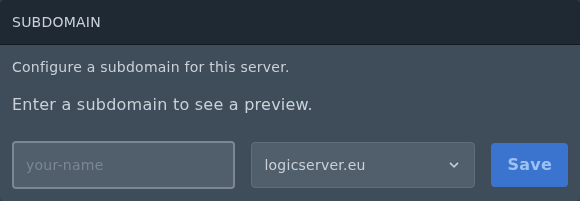
- Once saved, give players the full address shown in the Subdomain section.
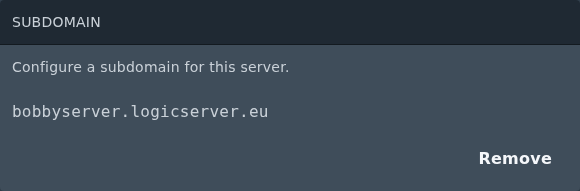
For a standard Minecraft Java server, the subdomain points to the primary server allocation. If you are using Geyser/Floodgate for Bedrock players or a plugin that uses another port, that extra port may still need to be given as an IP and port instead.
For the general Ptero subdomain guide, see: Creating a custom subdomain on the Ptero panel.
