Endstone is a Minecraft Bedrock server software option with plugin support.
If you only need the normal Mojang Bedrock server, use this guide instead: How to install or update Bedrock on your Minecraft server.
If your server is not already Bedrock
- Open your server in the control panel, stop it, and take a backup if there are any files or worlds you want to keep.
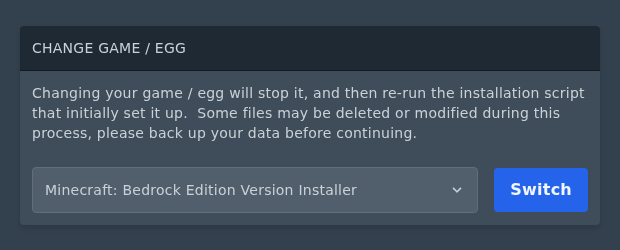
- Open Settings, then scroll down to Change Game / Egg. Select Minecraft: Bedrock Edition Version Installer, then click Switch.
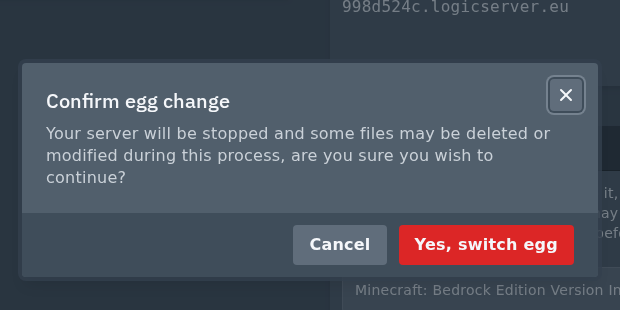
- Confirm the egg change when the panel asks you to continue.
If your server is already using the Bedrock version installer, skip this section.
Install Endstone
- Open Versions. On the Bedrock version installer, this opens the Bedrock software installer page.
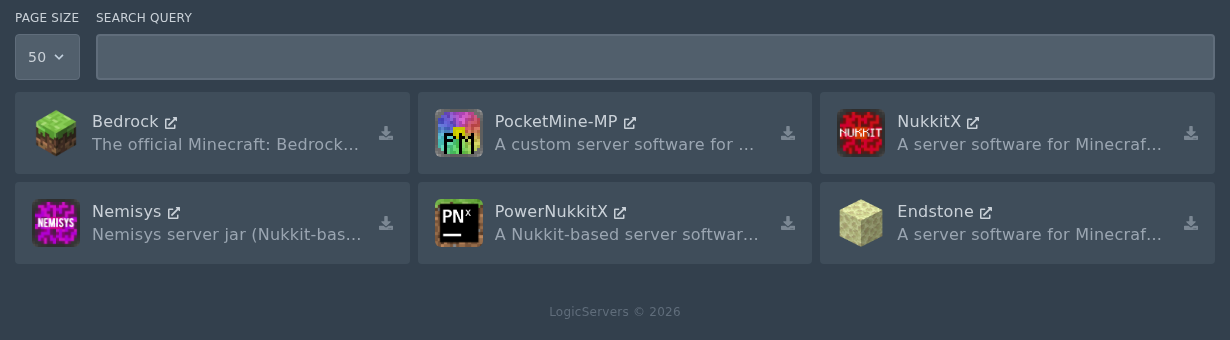
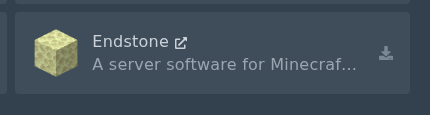
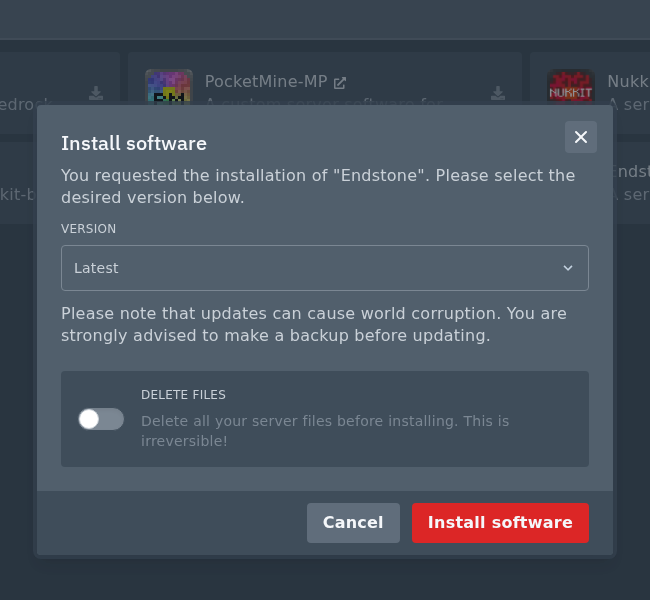
- Find Endstone, then click the small install icon on the right of the card.
- Select the version you want to install. Latest is usually the right option unless you need a specific version.
- Do not check the Delete files box unless you want to wipe your server. Use it only for a fresh Endstone install after backing up anything you need.
- Click Install software when you are ready.
- Open Console and start the server once. Endstone will create the Bedrock server files on first startup.
Check the Endstone files
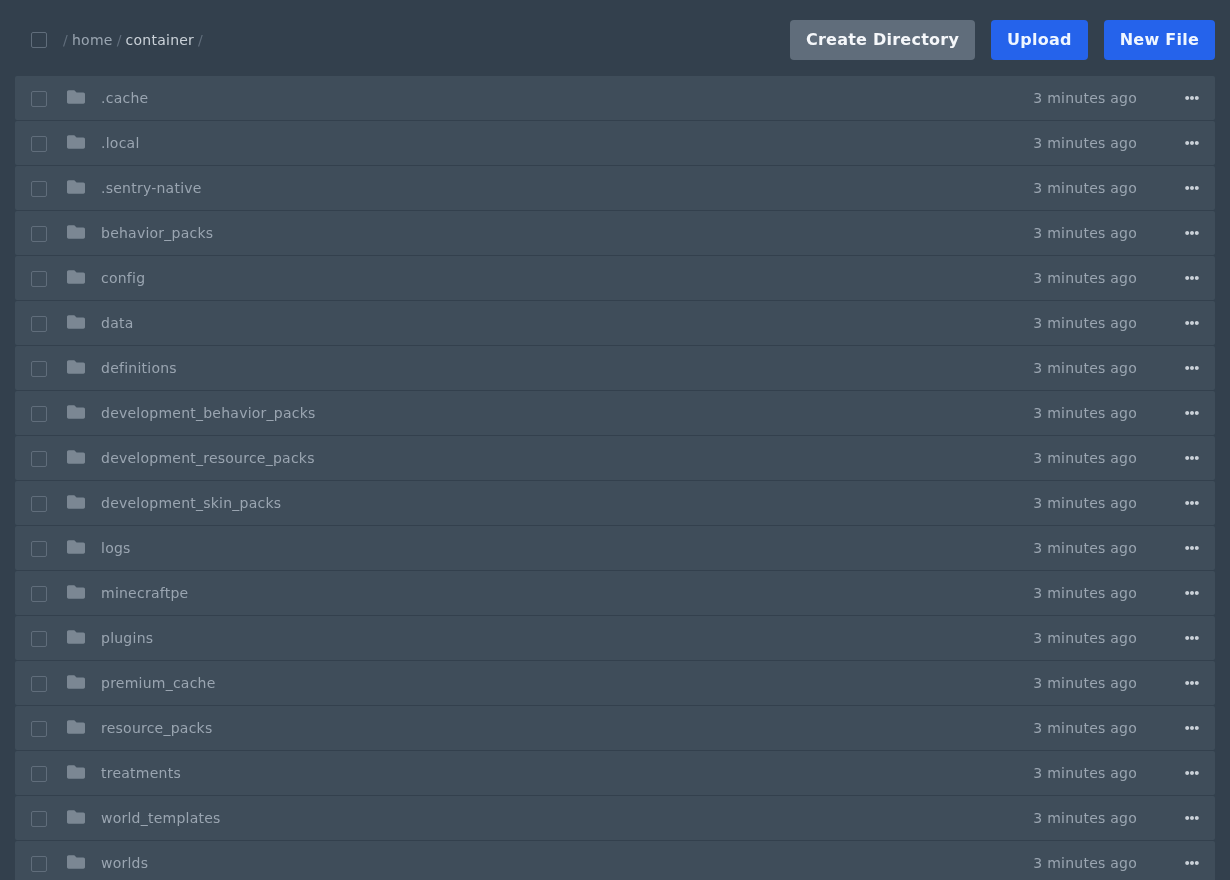
- After the first startup, open Files again.
- You should now see the Bedrock server files, Endstone config, and a plugins folder.
Install Endstone plugins
Once Endstone is installed and has started once, you can upload plugins to the plugins folder. Our plugin guide is here: How to install Endstone plugins on your Minecraft Bedrock server.
For plugin-specific setup from Endstone, their docs are here: Endstone plugin install guide.
