You need the server IP and port from the control panel before joining your Dragonwilds server in-game. If the server has a password set, you will also need the server password.
Find Your Server Address
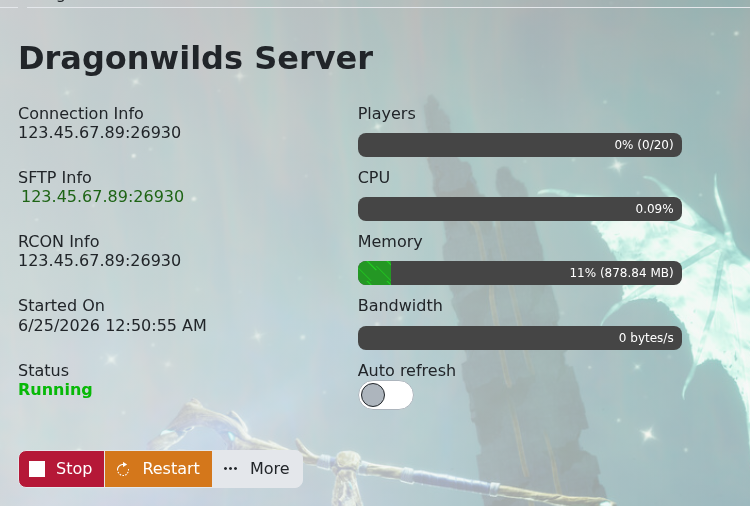
- Open your Dragonwilds server in the control panel.
- Copy the IP and port from the Connection Info box.
Join From RuneScape: Dragonwilds
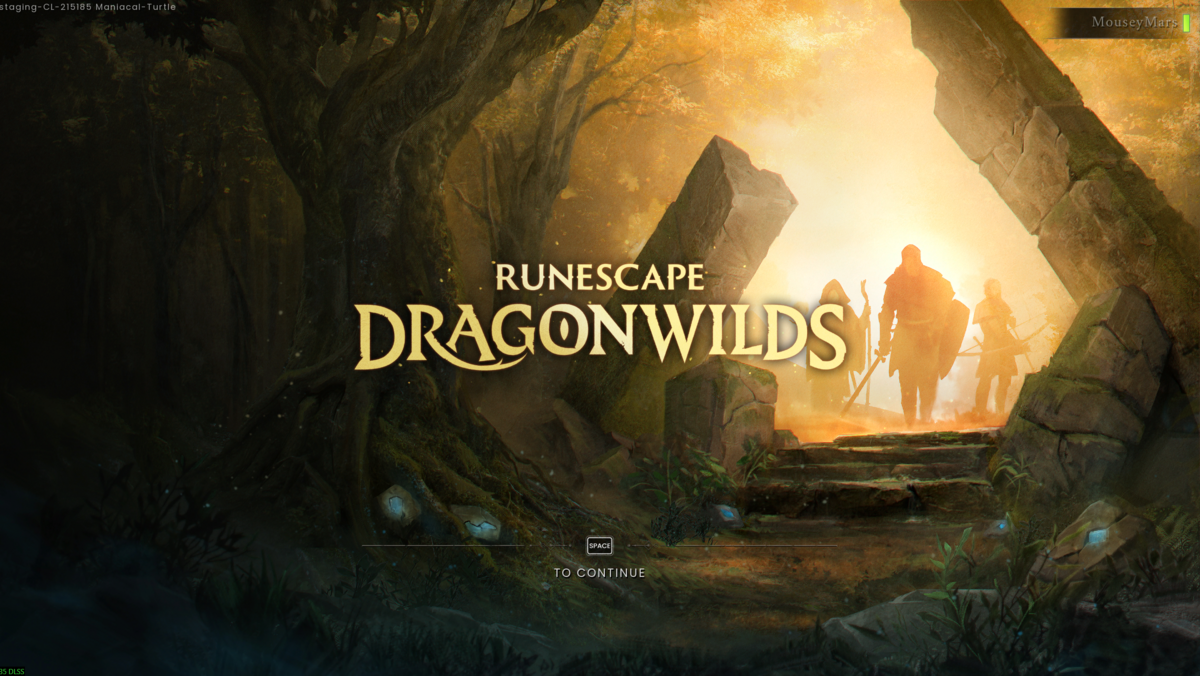
- Launch RuneScape: Dragonwilds and press Space Bar on the title screen.
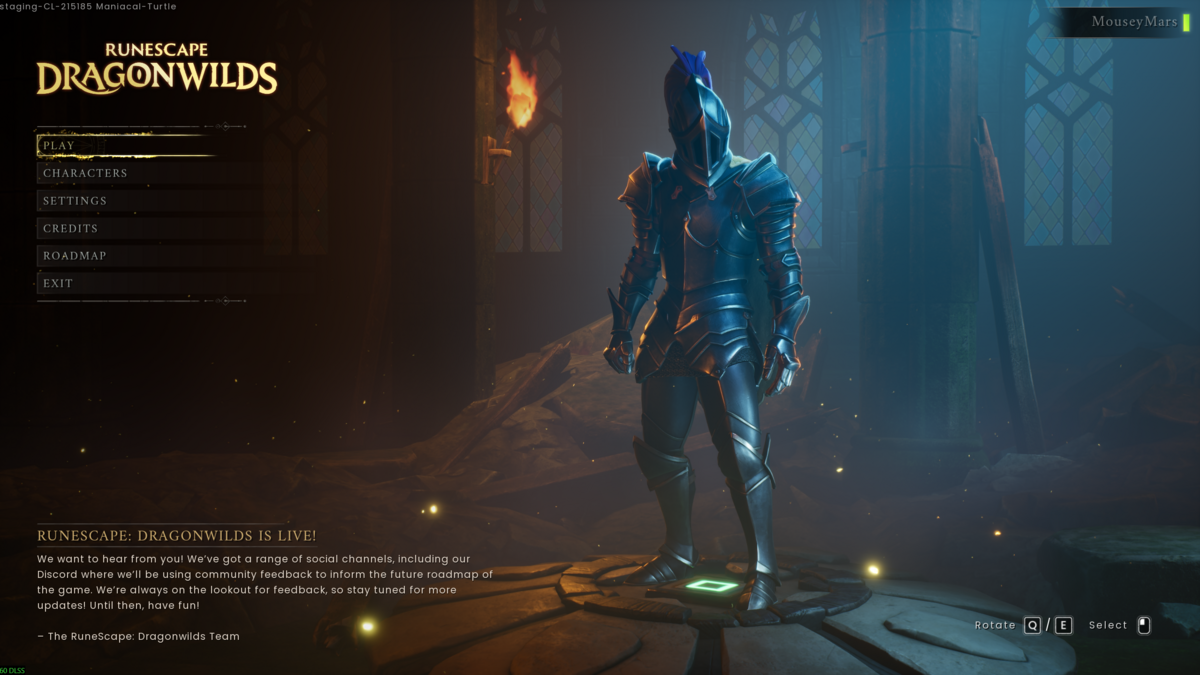
- From the main menu, click Play.
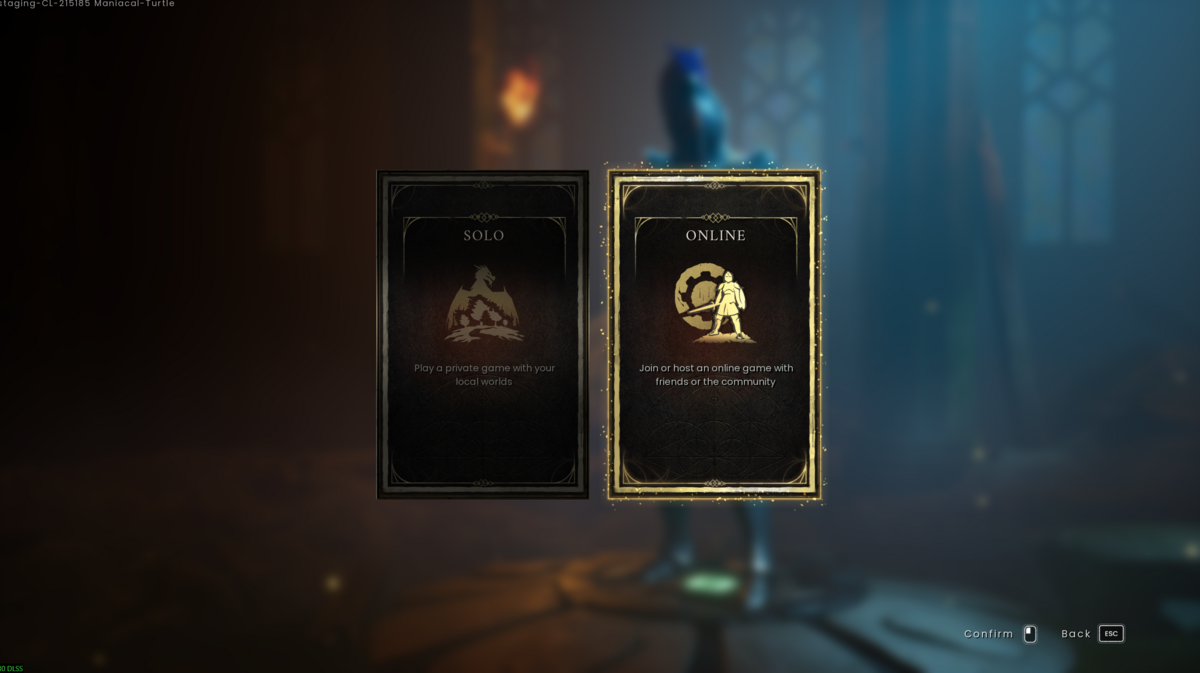
- Select Online.
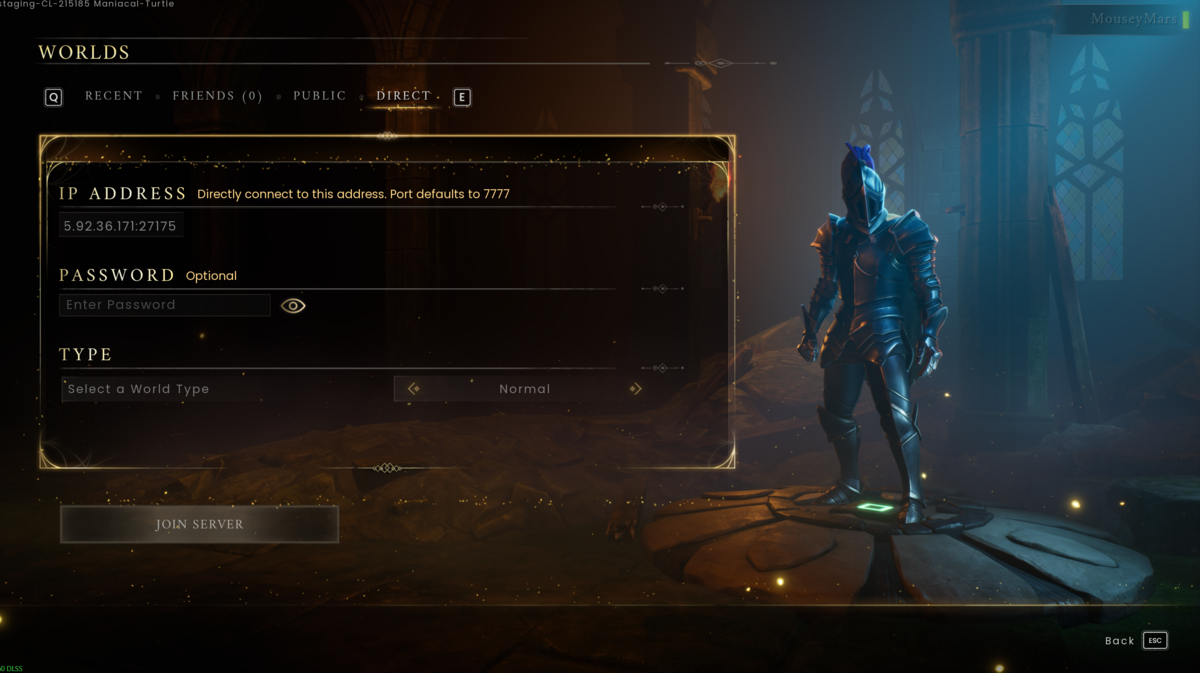
- On the Worlds screen, open the Direct tab. Enter the server address from the Connection Info box in the control panel. The address should include both the IP and port, for example 5.92.36.171:27175. If your server has a password, enter it in the Password field.
The World Type option mainly matters when joining or creating a world for the first time. In most cases, leave it set to the type your server uses, usually Normal.
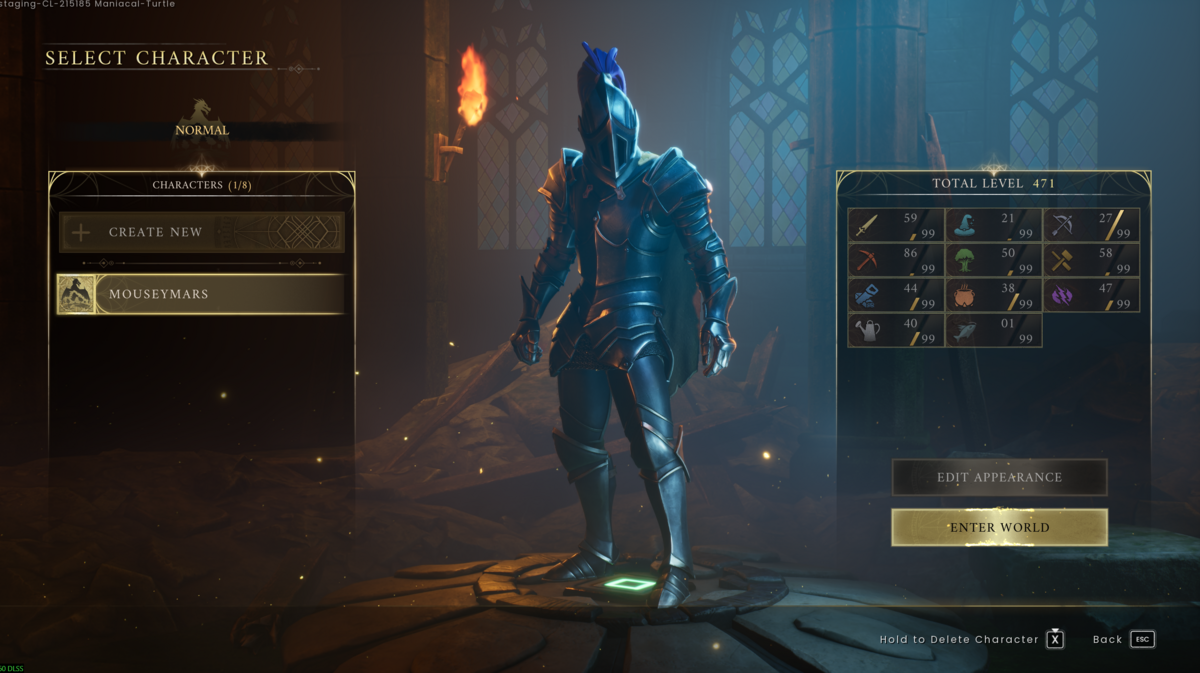
- Select the character you want to use, then click Enter World.
If you cannot connect, check that the server is online in the control panel, the IP and port are correct, and the password is correct if one is set.
Need help joining your Dragonwilds server? Submit a support ticket and we can check it for you.
Need a server first? You can order Dragonwilds server hosting.
