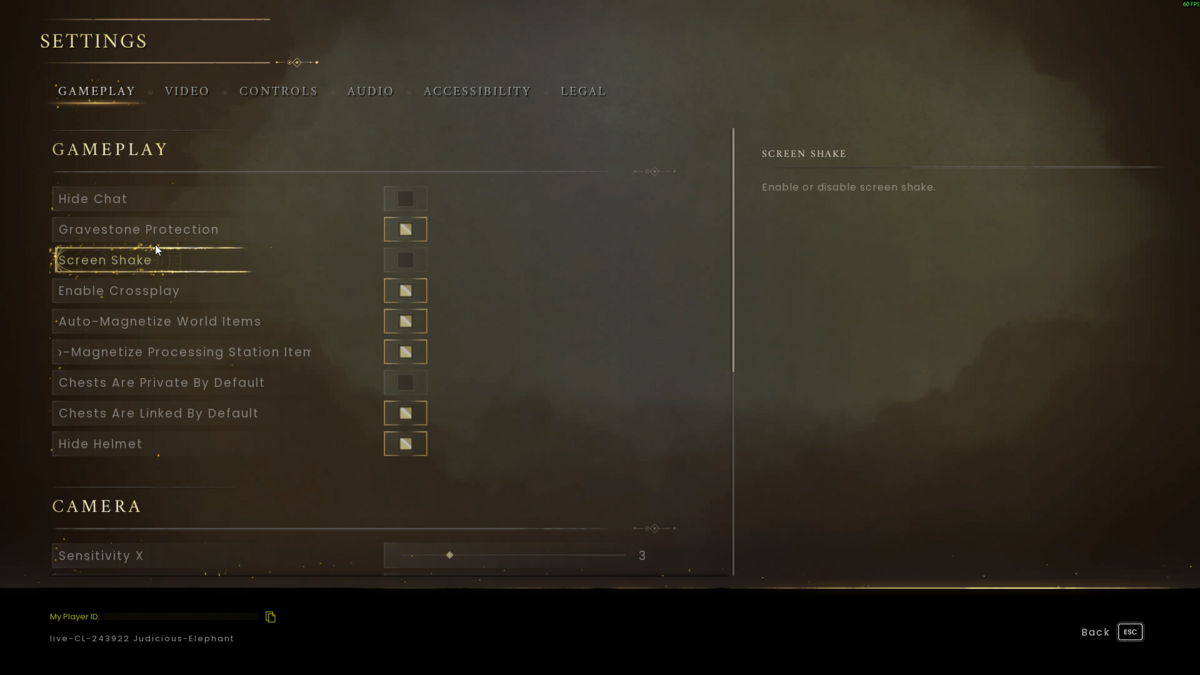
Dragonwilds grants owner access using the My Player ID shown in the game settings. This is not your SteamID64.
Find Your Dragonwilds Player ID
- Launch RuneScape: Dragonwilds and open Settings from the main menu.
- Scroll to the bottom of the Settings screen. Your ID is shown next to My Player ID.
- Click the copy icon beside the ID.
Add The Owner ID To Your Server
- Stop your Dragonwilds server in the control panel.
- Click Configuration Files, then open DedicatedServer.ini with Config Editor.
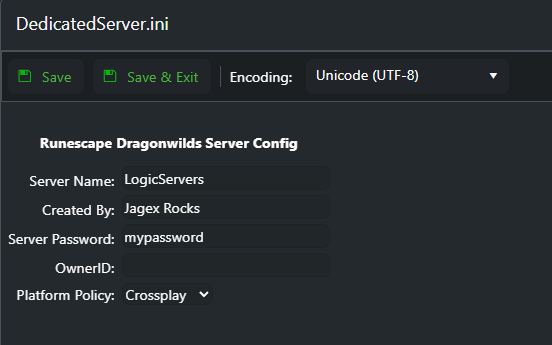
- Paste the copied Player ID into OwnerID. On Windows, press Ctrl+V to paste it.
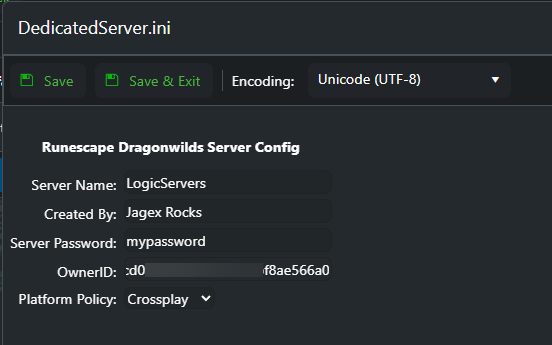
- Click Save & Exit, then start the server and join it to check your owner access.
If owner access still does not apply, copy the Player ID again and check that the whole value was pasted without spaces. If it still does not work, submit a support ticket.
