ASKA uses the Auto Save option to control how often the server saves. The available options include every morning, disabled, every 5 minutes, every 10 minutes, every 15 minutes, and every 20 minutes.
- Open your ASKA server in the control panel, then click Configuration Files.
- Click Config Editor next to
server properties.txt. - Change Auto Save to the save interval you want.
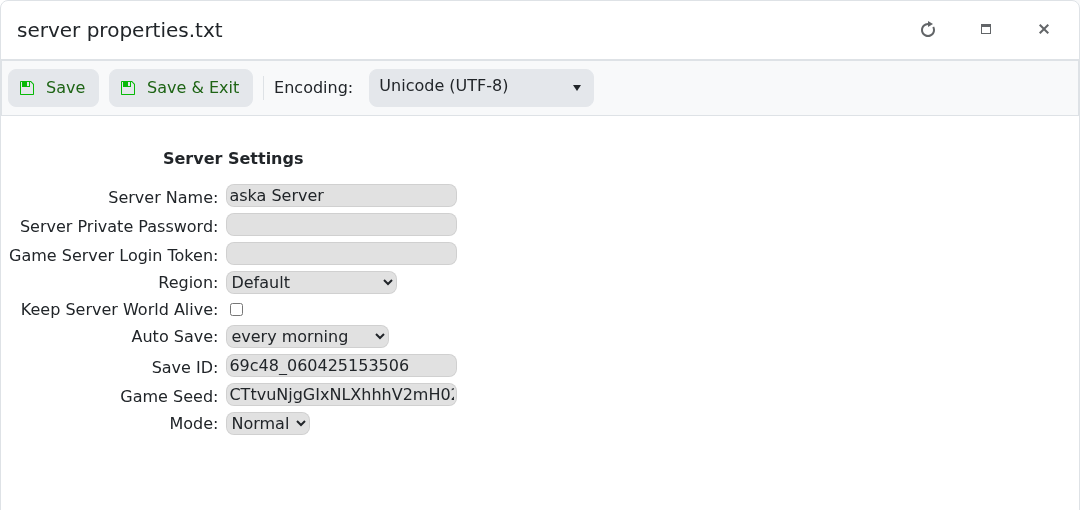
- Click Save & Exit, then restart the server.
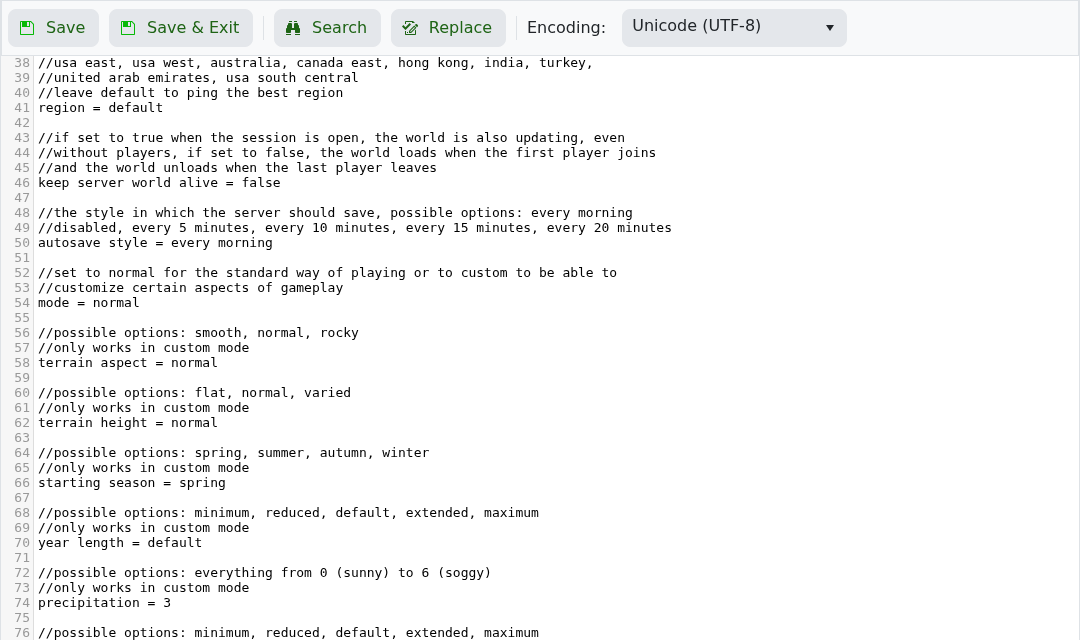
In the text editor, this setting is called autosave style.
Before you start
Make one change at a time and keep a note of what you changed. If the server is active, warn players before restarting or applying settings that may disconnect them.
If you get stuck
Check the control-panel console or latest log output for errors. If you submit a support ticket, include the server name, the change you made, and the exact error message.
