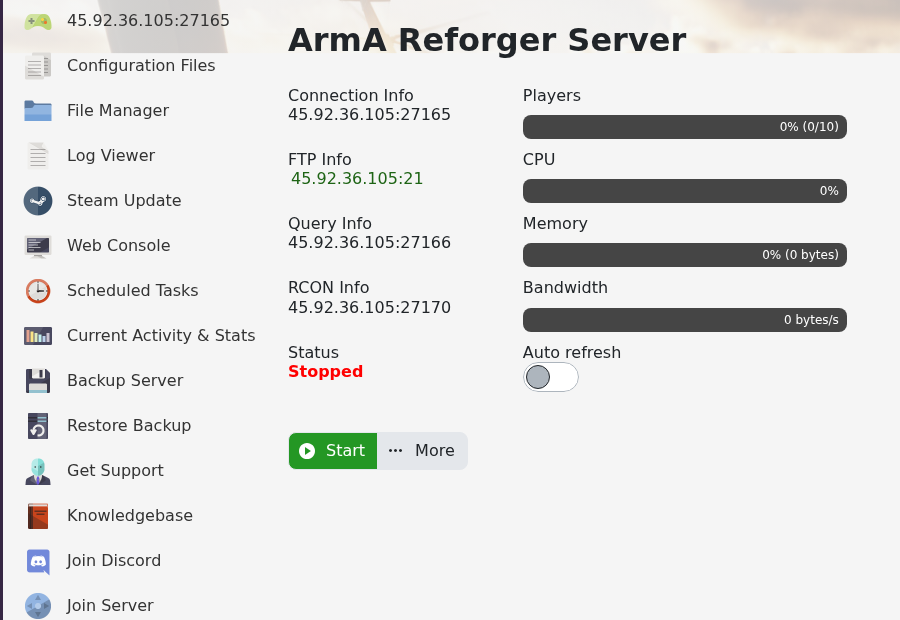
You can join your Arma Reforger server by using the server address shown in your control panel. Reforger also has a separate query port and RCON port, so make sure you use the main Connection Info address when joining from the game.
- Open your Arma Reforger server in the control panel.
- Copy the address under Connection Info.
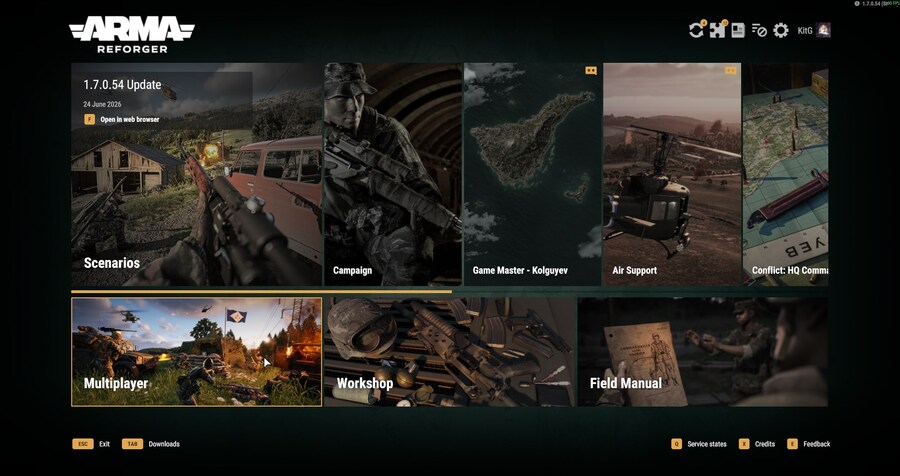
- Open Arma Reforger on your PC.
- Select Multiplayer from the main menu.
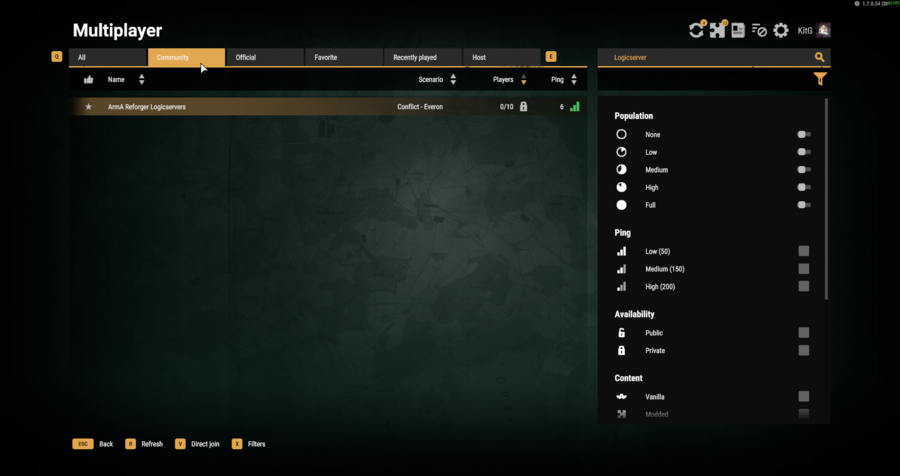
- Search for your server name, or use direct connect with the IP and port from the panel.
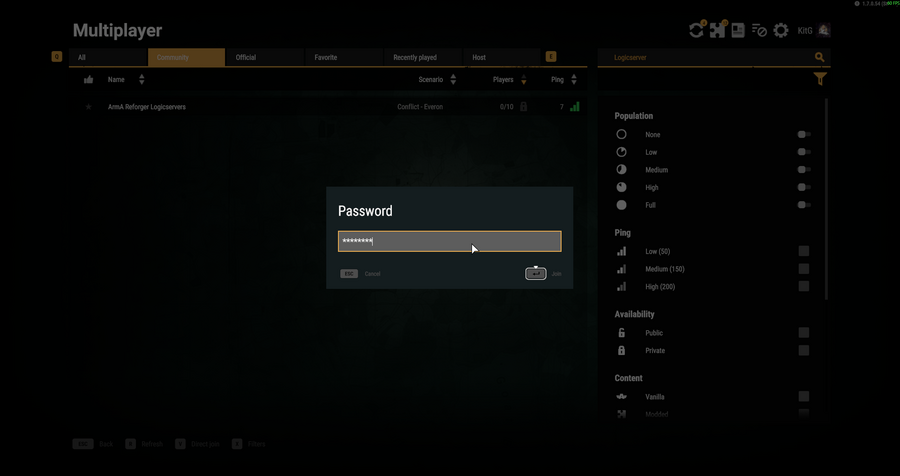
- Select the server, enter the server password if one is configured, then join.
If you cannot find the server, check that Server Visible is enabled in server_config.json and that the server has fully started.
If you cannot connect
Check that the server is online, the address and port are correct, and your game client is on a compatible version. Restart the game client after updates so it refreshes the server list and version state.
Useful details for support
If the server still does not appear, send the server address, port, game version, and the exact connection error shown by the client.
