Restore a backup when you need to roll back after a broken update, bad JSON edit, unwanted scenario change, or failed mod setup. Restoring replaces the current server files with the selected backup.
- Open your Arma Reforger server in the control panel.
- Stop the server.
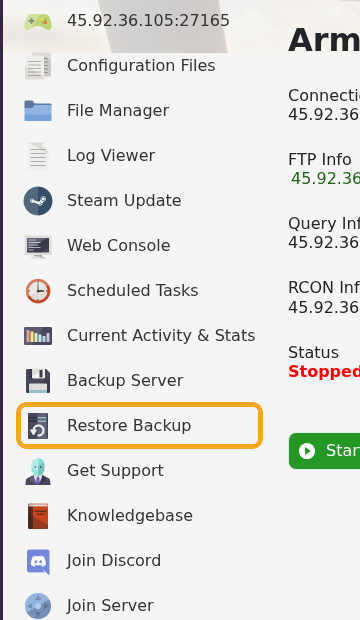
- Click Restore Backup from the left side menu.
- Select the backup you want to restore from the dropdown.
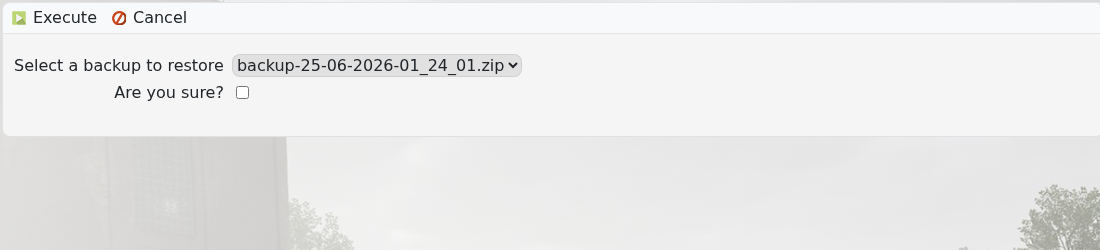
- Tick Are you sure?, then execute the restore and wait for the task to finish.
- Start the server and check it loads correctly.
If the server still fails after restoring, submit a support ticket and include the backup name you restored.
Before restoring
Restoring data can replace newer files on the server. Stop the server first and confirm you have selected the correct backup, date, and service before continuing.
After the restore
Start the server and join once the restore task has finished. If the server loads older data than expected, stop it and check whether a different backup or save folder was restored.
