Arma Reforger uses an admin password in server_config.json. Set this to a private value and only share it with trusted admins.
- Open your Arma Reforger server in the control panel.
- Click Configuration Files.
- Open
server_config.jsonwith Config Editor. - Enter a private value in Admin Password.
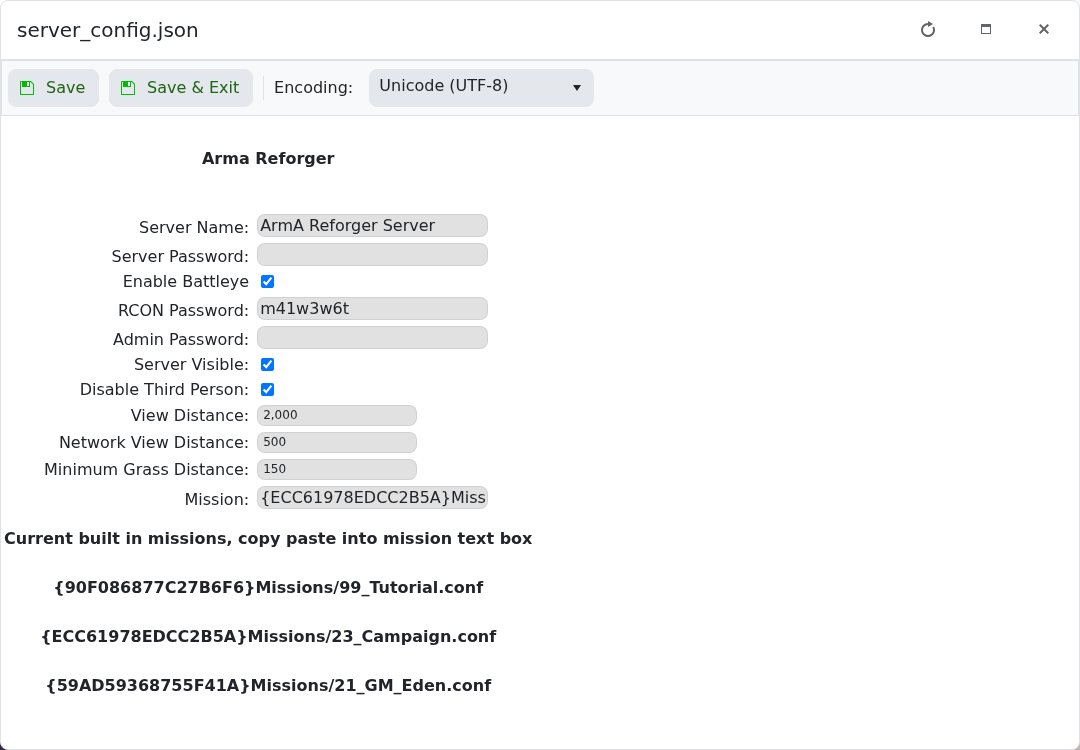
- Click Save & Exit.
- Restart the server.
Use a different value from the normal server password. If you edit with Text Editor instead, the JSON field is game.passwordAdmin.
After changing the setting
Restart the server and test the setting from the game client. Ask another player to test as well if the change affects joining, permissions, PvP, crossplay, or admin access.
If it does not apply
Confirm the value was saved in the correct configuration file or panel field. Some games only read these settings during startup, so a full restart is required before the change is visible.
