Keeping packages updated helps patch security issues and keeps server tools compatible. Run updates during a maintenance window if the VPS hosts game servers, databases, panels, bots, or live websites.
Connect over SSH first: How to connect to a Linux VPS with SSH.
Take a VPS backup before major updates if the server is important: How to back up and restore your VPS.
Ubuntu or Debian
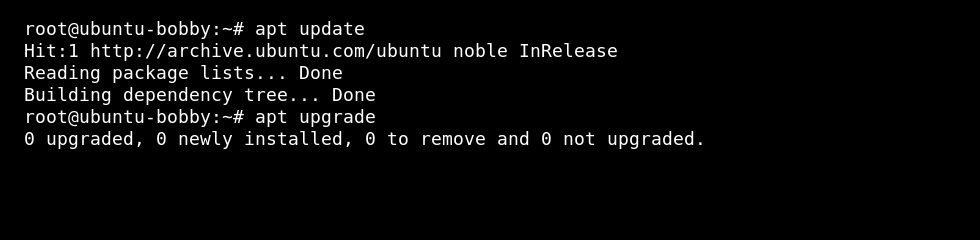
- Refresh the package list:
sudo apt update
- Install available updates:
sudo apt upgrade
AlmaLinux, Rocky Linux, Oracle Linux, or CentOS
Use dnf on current RHEL-style distributions:
sudo dnf update
If dnf is not available on an older image, use yum:
sudo yum update
What the commands do
| Command | Meaning |
|---|---|
apt update | Refreshes the package index so the VPS knows what updates are available. |
apt upgrade | Installs available package updates on Ubuntu or Debian. |
dnf update | Installs available package updates on AlmaLinux, Rocky Linux, Oracle Linux, and similar systems. |
After updating
- Restart services that were updated.
- Reboot the VPS if the kernel, system libraries, or security updates require it.
- Start game servers again and check their logs before telling players the VPS is ready.
- If something breaks, use your backup or check package logs before making more changes.
