SSH is the main way to manage a Linux VPS, so it should be secured before the server is used for public services. Start by adding an SSH key and a sudo user, then reduce password-based access where possible.
Do not lock down SSH until you have tested a second login method. Keep one working SSH session open while making changes.
- Add an SSH key: How to add an SSH key to your VPS.
- Create a sudo user: How to create a sudo user on a Linux VPS.
- Test that the sudo user can log in with the SSH key.
- Edit the SSH config:
sudo nano /etc/ssh/sshd_config
Common hardening options are:
PermitRootLogin no
PasswordAuthentication no
PubkeyAuthentication yes
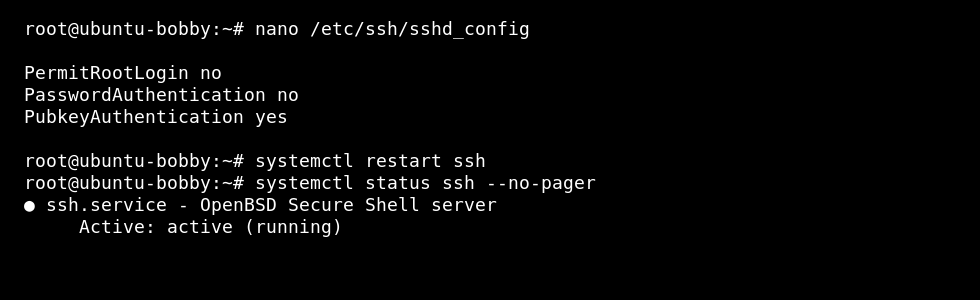
What these options change
| Option | Effect |
|---|---|
PermitRootLogin no | Stops direct root logins. Admins log in as a normal user and use sudo. |
PasswordAuthentication no | Stops password SSH logins. Users must use SSH keys. |
PubkeyAuthentication yes | Allows SSH key authentication. |
Restart SSH
On Ubuntu or Debian, the service is usually named ssh:
sudo systemctl restart ssh
On AlmaLinux, Rocky Linux, Oracle Linux, and most CentOS-style systems, the service is usually named sshd:
sudo systemctl restart sshd
Test before closing the old session
- Leave the current SSH session open.
- Open a second terminal.
- Connect with the new user and key.
- Run
sudo whoami. - Only close the old session after the new one works.
If you lock yourself out, use the VPS console to repair /etc/ssh/sshd_config.
