Docker lets you run applications in containers. It is commonly used for bots, web apps, databases, dashboards, and some self-hosted game tooling. Do not install Docker if a game guide tells you to use a normal native server install instead.
Take a backup before installing Docker on a VPS that already hosts live services. Docker can create networks, firewall rules, volumes, and service files.
- Connect to the VPS with SSH.
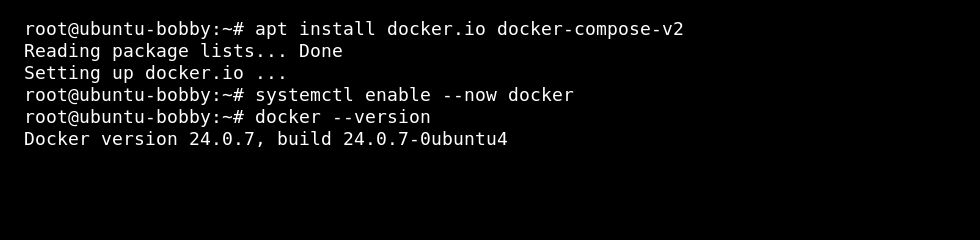
- On Ubuntu or Debian, update packages and install Docker:
sudo apt update
sudo apt install docker.io docker-compose-v2
sudo systemctl enable --now docker
- On AlmaLinux, Rocky Linux, Oracle Linux, or CentOS-style images, install Docker if it is available from your enabled repositories:
sudo dnf install docker docker-compose-plugin
sudo systemctl enable --now docker
- If your distribution does not provide Docker in its default repositories, use Docker's official installation documentation for that distribution.
- Test Docker:
sudo docker run hello-world
- Optionally allow your normal user to run Docker, then log out and back in:
sudo usermod -aG docker yourusername
Useful Docker commands
| Command | What it does |
|---|---|
docker ps | Shows running containers. |
docker ps -a | Shows all containers, including stopped ones. |
docker logs container_name | Shows logs for a container. |
docker compose up -d | Starts a Compose stack in the background. |
Docker containers can expose ports, write files, and consume disk space quickly, so keep backups of important data volumes.
