Automatic security updates help keep a Linux VPS patched without requiring you to manually run updates every day. They are useful for public-facing VPS servers, but you should still take backups before major software changes.
Automatic updates are best for security patches. They do not replace planned maintenance for game servers, panels, databases, or large application upgrades.
Ubuntu or Debian
- Install unattended upgrades:
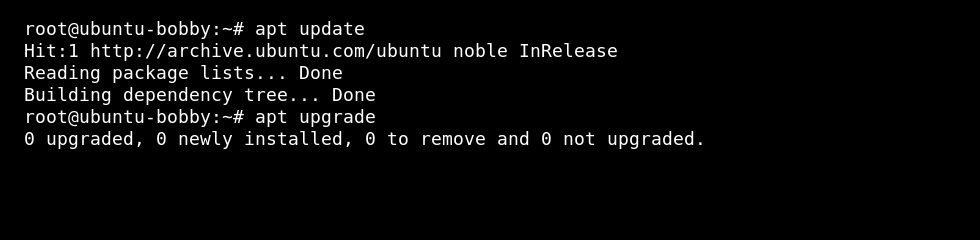
sudo apt update
sudo apt install unattended-upgrades
- Enable the prompt:
sudo dpkg-reconfigure unattended-upgrades
Choose Yes when asked whether to automatically download and install stable updates.
Check the config if you need to adjust behaviour:
sudo nano /etc/apt/apt.conf.d/50unattended-upgrades
AlmaLinux, Rocky Linux, Oracle Linux, or CentOS
sudo dnf install dnf-automatic
sudo systemctl enable --now dnf-automatic.timer
Check the configuration file before relying on it:
sudo nano /etc/dnf/automatic.conf
Restart-sensitive services
Security updates can replace libraries used by running services. Schedule manual restarts for game servers, web servers, and databases during quiet periods if needed.
If you run a heavily modded game server or custom application, test updates on a quiet schedule and keep backups before making large changes.
