Rising World loads server plugins from the Plugins folder. Download a plugin made for the current game version, as plugins for the older Java version do not work with the current version.
- Read the plugin's installation page and download every required dependency.
- Extract the download on your computer. Each plugin should have its own folder containing its
.jarfile and any supplied assets or libraries. - Open your Rising World server in the control panel, take a backup, then stop it.
- Click File Manager and open the
Pluginsfolder.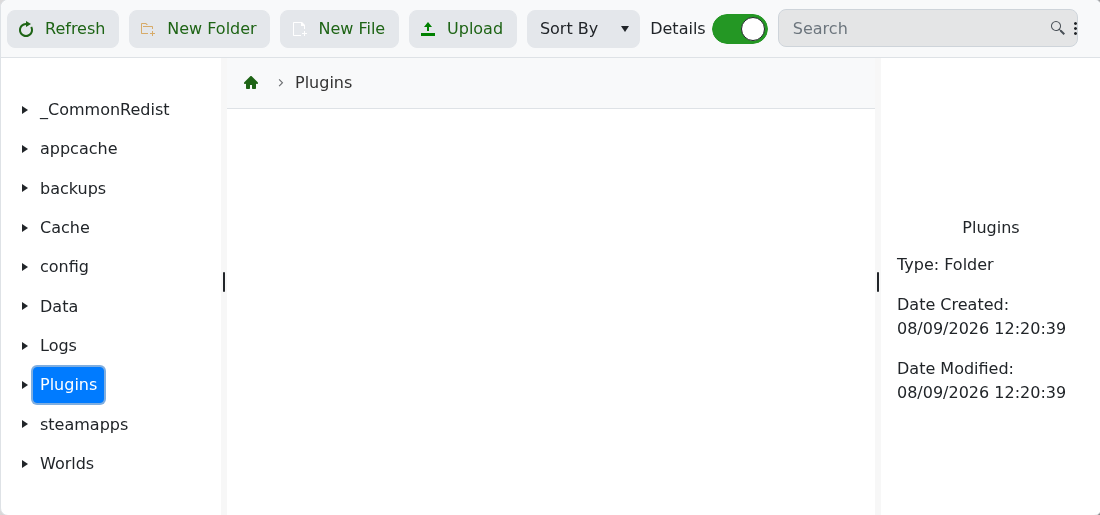
- Upload the complete plugin folder. Use FTP with FileZilla if it contains many files.
- Start the server and check Log Viewer or Web Console for the plugin's startup message or an error.
If the server no longer starts, remove the plugin folder and try again. Check that the plugin supports your installed Rising World version and that no dependency is missing before reinstalling it.
