The current Sandstorm logs are available through File Manager under Saved/Logs. Use them to investigate startup failures, mod problems and unexpected disconnects.
- Reproduce the problem once and note the time.
- Open File Manager, expand
Savedand selectLogs. - Open or download the newest
Insurgency.log. UseModio.logwhen the problem involves mod.io content.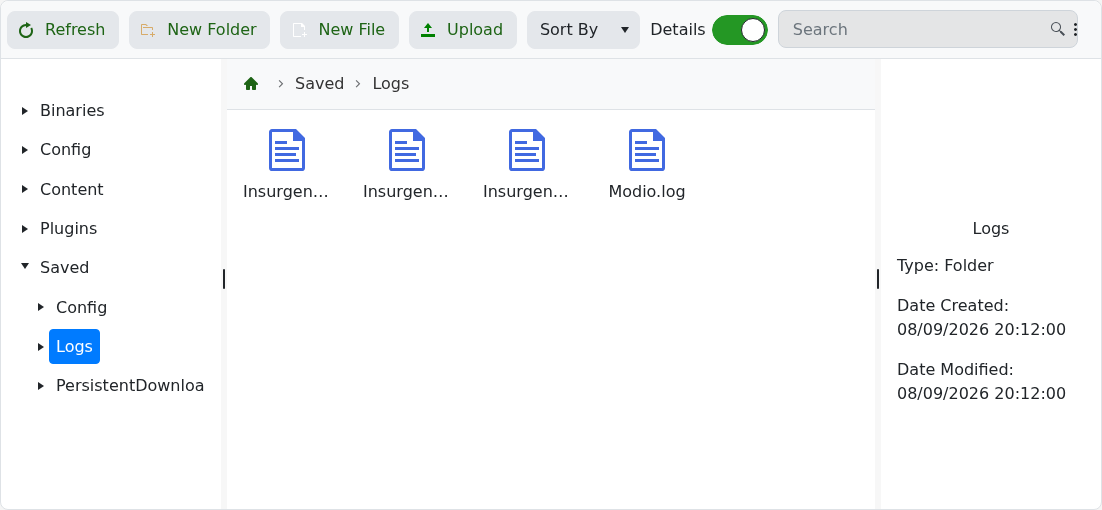
- Look for the first relevant error around the time the problem occurred.
Include the useful timestamped lines in a support ticket, but remove passwords and tokens before sending them.
