StartError can occur when no command line is active or when a custom profile contains an invalid map, scenario or option.
- Open Commandline Manager.
- Under Predefined Commandlines, click Select beside the plain Generic profile.
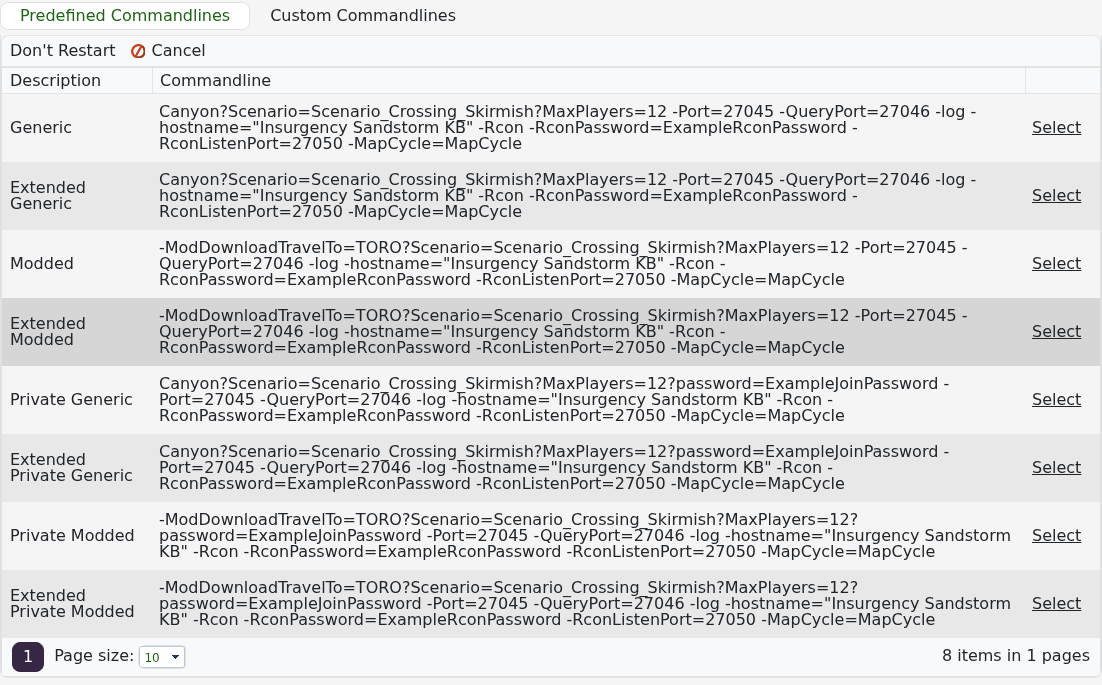
- Start the service. If it runs, rebuild the custom profile and check its map and scenario values.
- If Generic also fails, stop the service, run Steam Update and try once more.
- Open
Saved/Logs/Insurgency.logand check the first error from the latest attempt.
Do not repeatedly reinstall the server. If a selected Generic profile and a completed Steam Update still return StartError, send the latest log lines in a support ticket.
