The StarRupture package exposes SaveGameInterval in the basic configuration editor. Its default value is 300.
- Stop the server and open Configuration Files.
- Click Config Editor beside
DSSettings.txt. - Change SaveGameInterval and click Save & Exit.
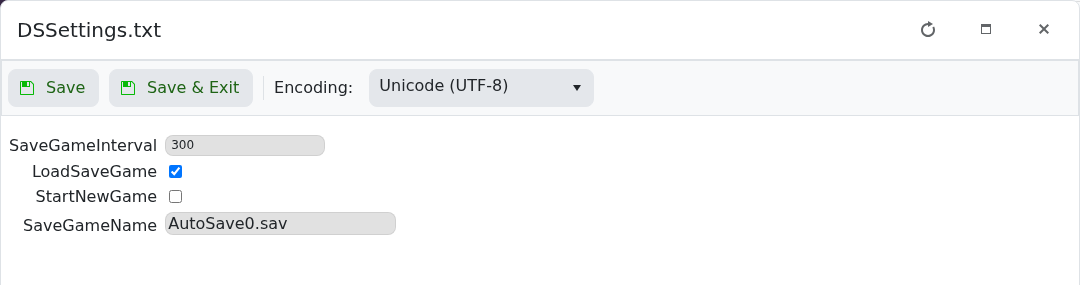
- Start the server and make sure it remains running.
Change the value gradually and keep regular backups. Very frequent saving can increase disk activity.
