StarRupture connects directly to a dedicated server using the address shown under Connection Info in TCAdmin.
- Open your server in TCAdmin and copy its IP address and port.
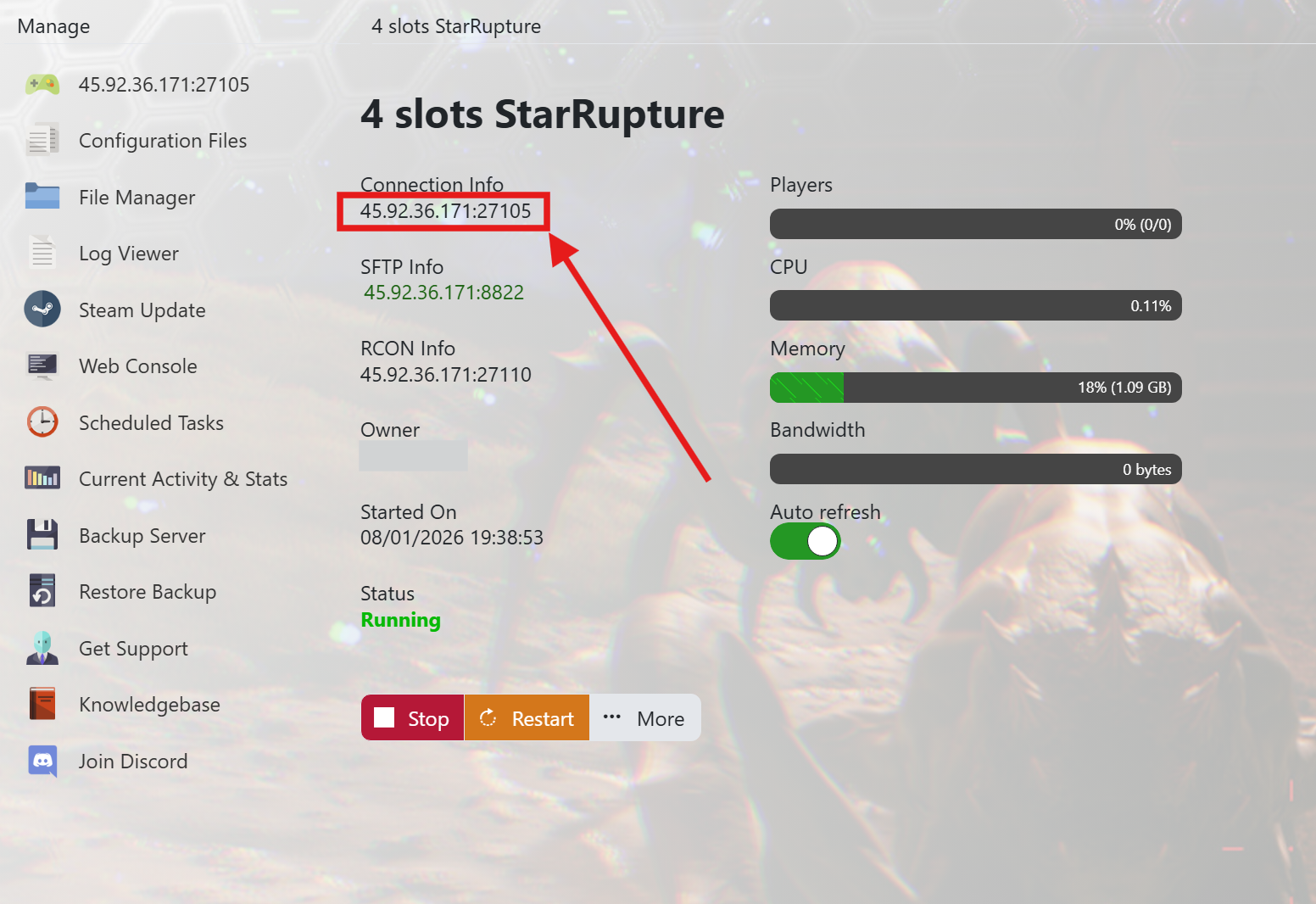
- Make sure the service status is Running.
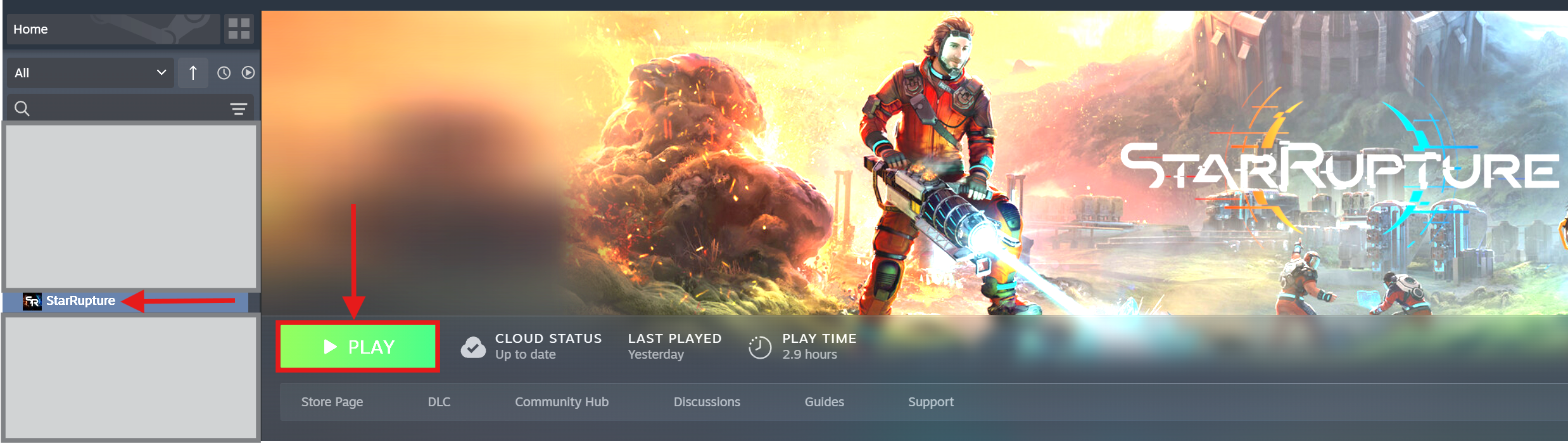
- Launch StarRupture from your Steam library.
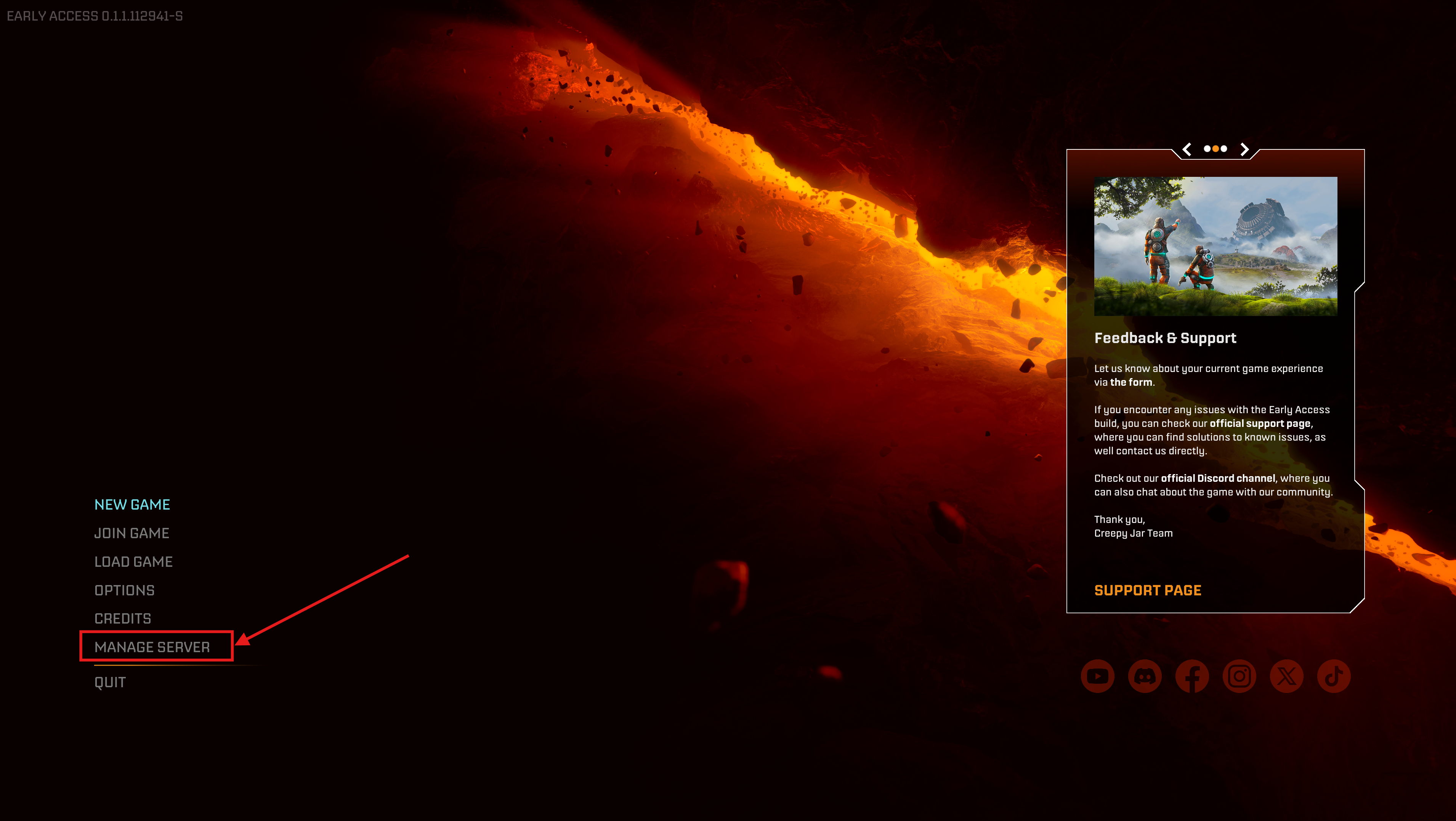
- Choose Manage Server from the main menu.
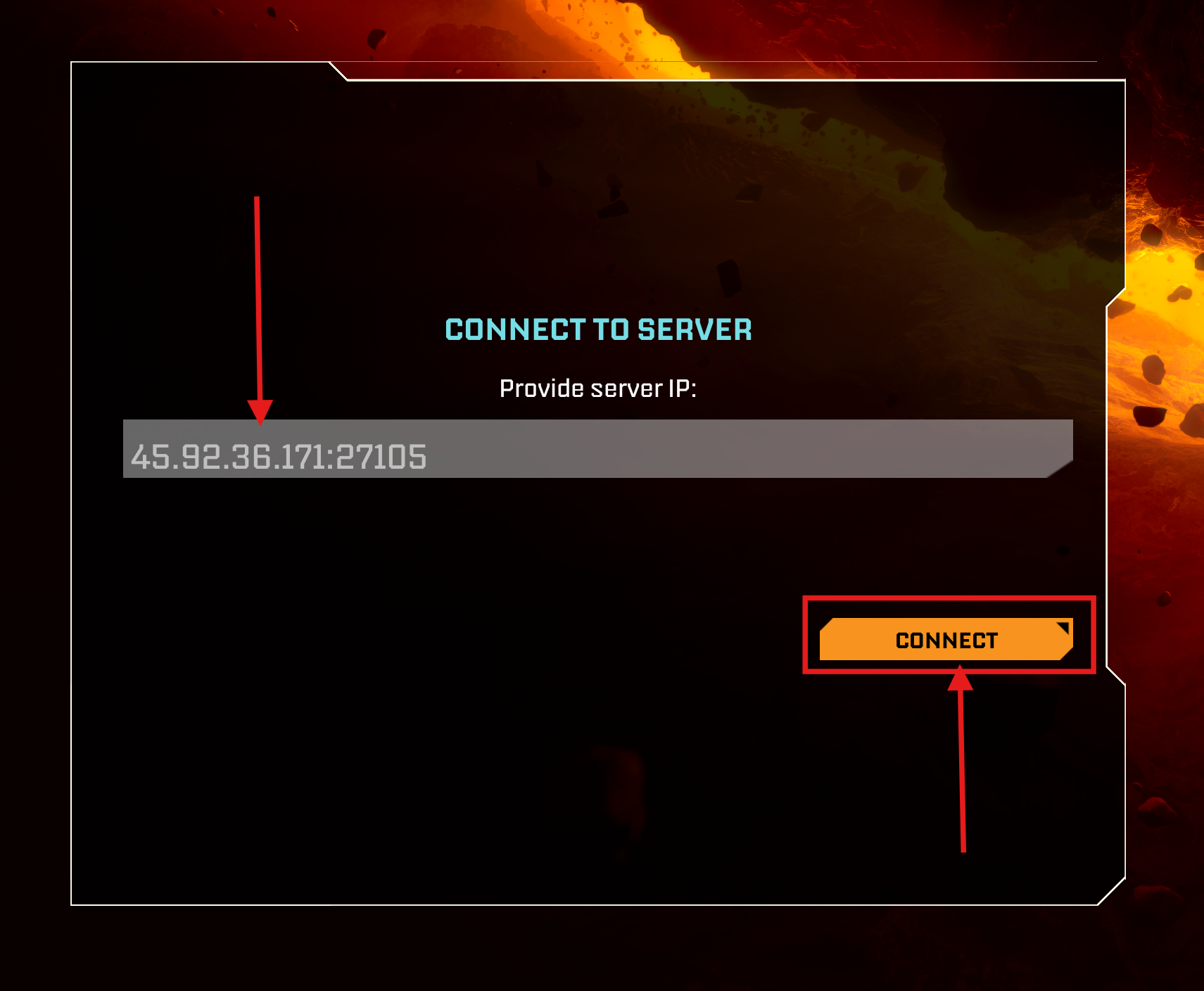
- Select Provide Server IP, enter the full address from TCAdmin and click Connect.
- Enter the server password when prompted.
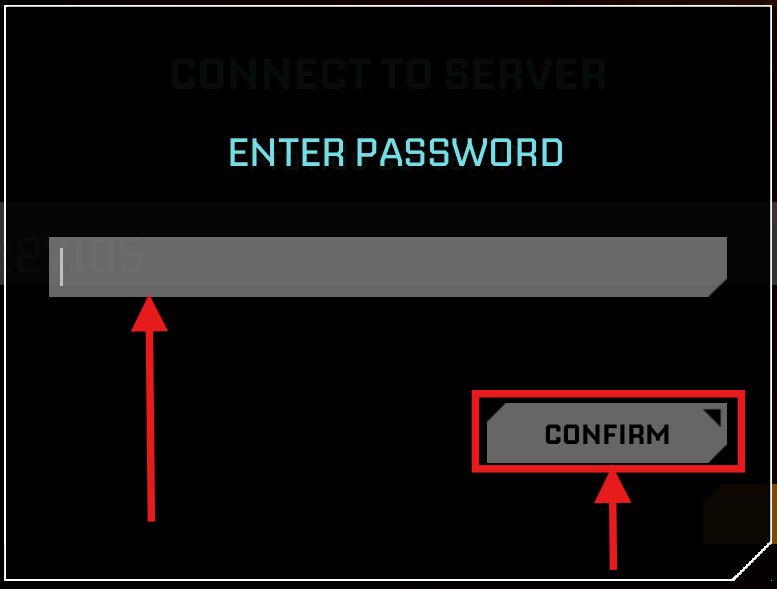
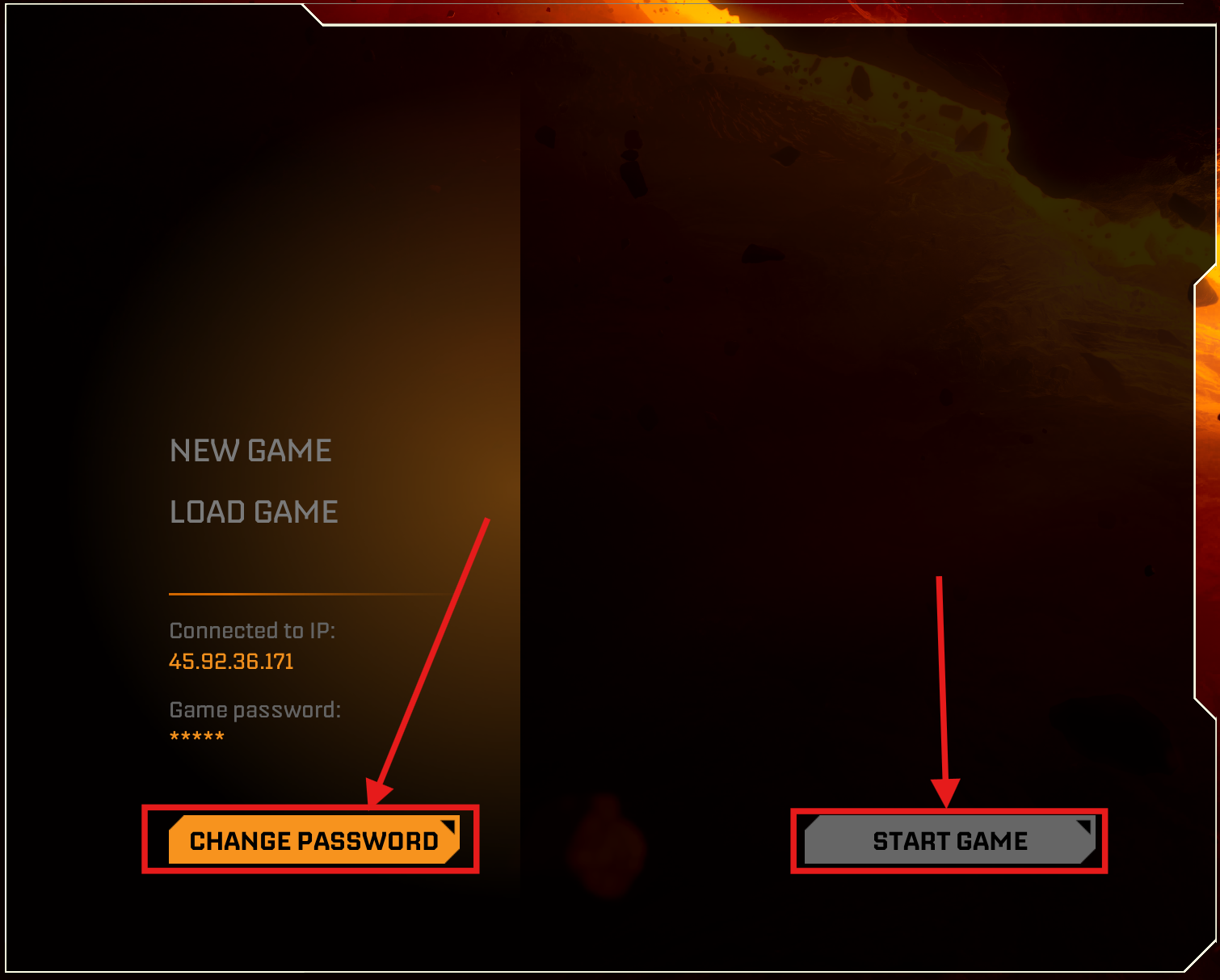
On the first connection, the game may say that a password has not been set. Use Change Password, confirm a password, then choose New Game or Load Game and start the game.
If the connection fails, check that the port was included, the service is running and your game client is updated.
