Keep a separate copy of DSSettings.txt before changing the server name, save interval or startup behaviour.
- Stop the server.
- Connect through FTP using the details shown in TCAdmin. See How to connect to FTP.
- Open the server's root directory and download
DSSettings.txt.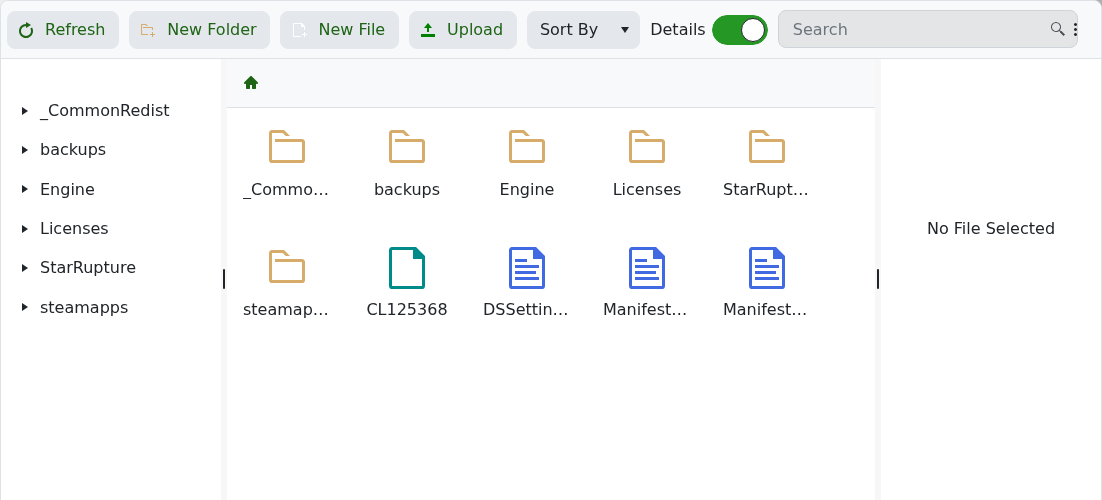
- Keep the file with a date in its local filename so you know when it was taken.
To put it back, stop the server, upload the known-good file to the same root directory and start the service. Do not rename the uploaded server copy.
