Use the log files to investigate startup failures, crashes and connection problems.
- Reproduce the problem once and note the time.
- Open Log Viewer.
- Use Stream File beside
StarRupture.logfor the latest output, or download it for a longer review.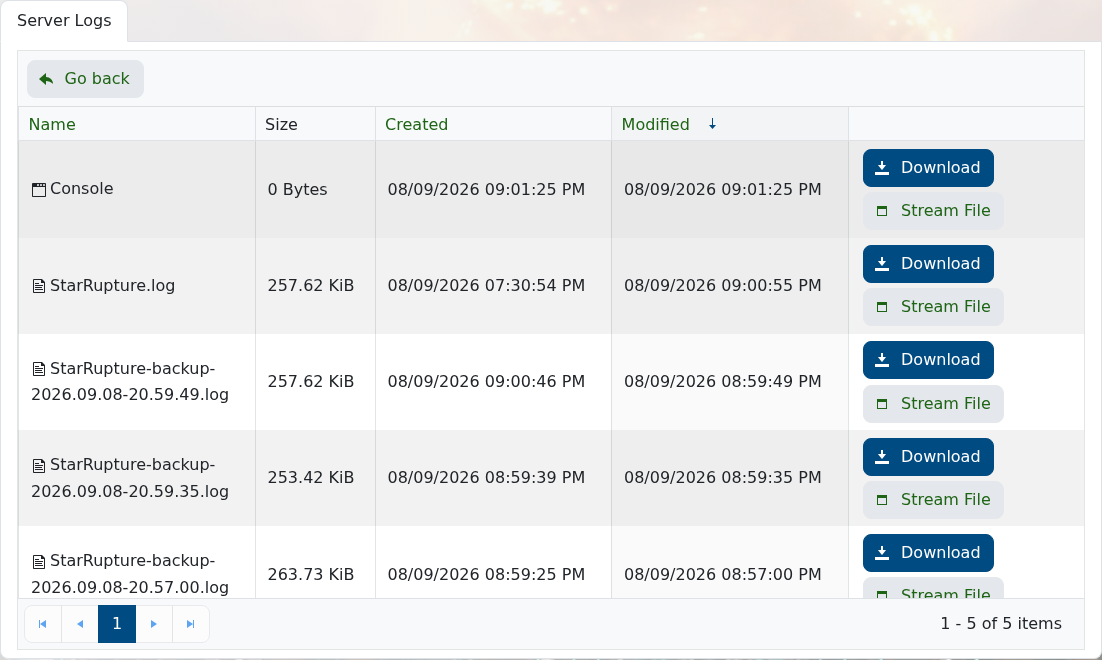
- Look for the first error from the latest start attempt rather than only the final repeated message.
The same logs are available under StarRupture/Saved/Logs in File Manager.
