Start with the last change made to the service. Most configuration failures can be narrowed down without reinstalling the server.
- Open Configuration Files and check that
DSSettings.txtis valid JSON. Look for missing quotation marks, commas or braces. - Confirm that
LoadSavedGameandStartNewGameare not both enabled, and thatSaveGameNamenames a file that exists when loading a save. - Stop the service, run Steam Update and wait for it to finish.
- Start the server once and open Log Viewer. Check the first relevant error in
StarRupture.log.
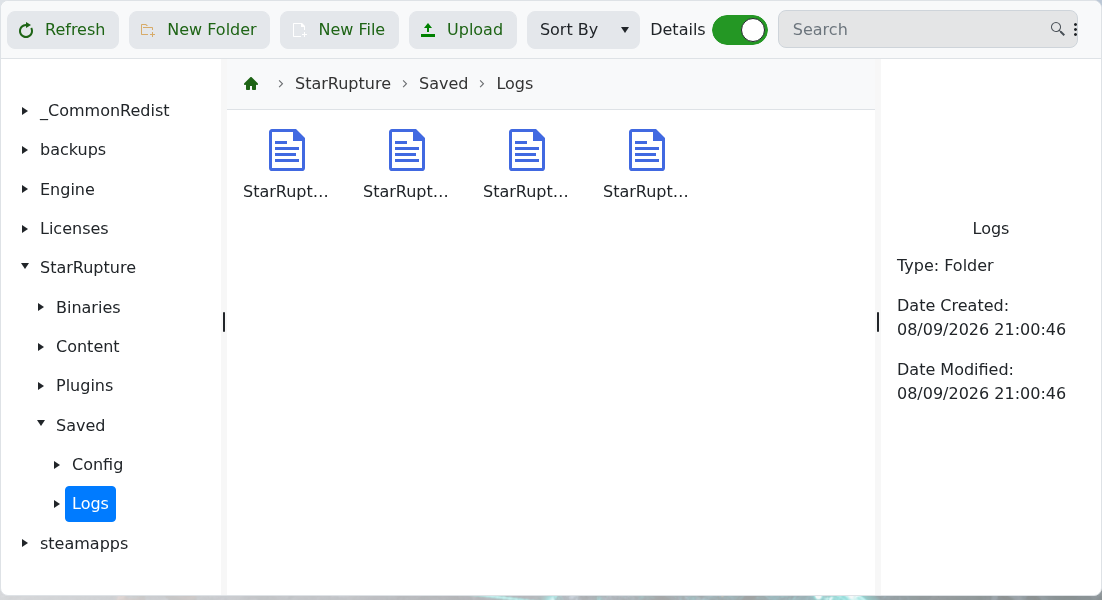
If the same error remains, restore your separate known-good DSSettings.txt copy or submit a support ticket with the relevant log lines. Do not repeatedly reinstall files without checking the log.
