Core Keeper uses a Game ID for joining a dedicated server. TCAdmin writes the current connection details to GameID.txt after the server starts.
- Open the Core Keeper service in TCAdmin and confirm that it is running.
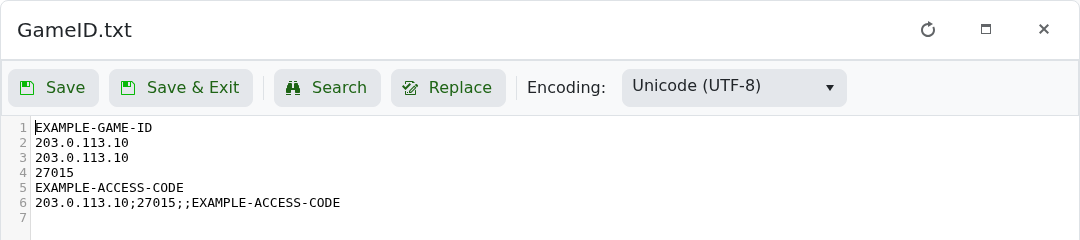
- Open Configuration Files and click Text Editor beside
GameID.txt. - Copy the Game ID from the first line.
- Launch Core Keeper, choose Join Game, enter the Game ID and connect.
Treat the Game ID like an invitation: anyone who has it can attempt to join. If the code changes after a restart, set a persistent value using How to keep the same Game ID on a Core Keeper server.
