Core Keeper uses numbered world slots. Selecting an unused slot creates a separate world while leaving the existing slot available.
- Create a backup using How to back up and restore a Core Keeper server, then stop the server.
- Open
ServerConfig.jsonin the text editor. - Change
worldto an unused slot number from0to29. - Set a recognisable
worldName.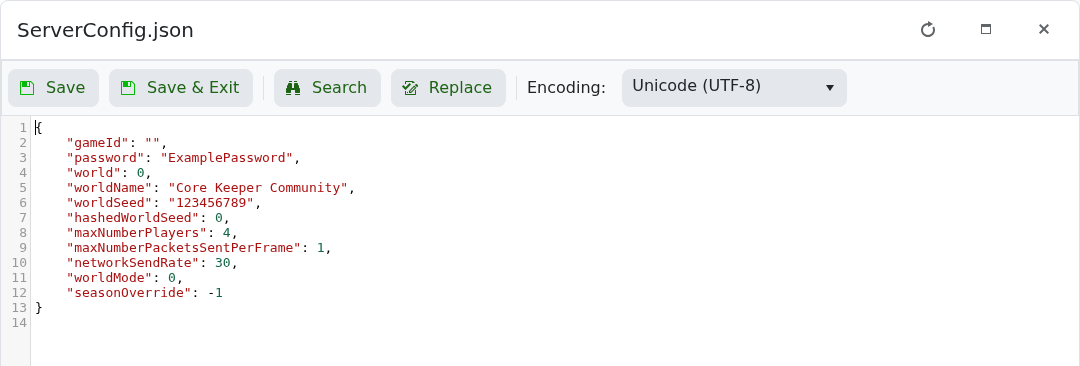
- Save the file and start the server. Join once and allow the new world to save.
"world": 1,
"worldName": "Fresh Core Keeper World"
To return to the previous world, stop the server and restore its earlier world slot number. A world-data folder may not appear until a player has joined and the first save has completed.
