The maxNumberPlayers value controls how many players Core Keeper accepts at once.
- Stop the server and open
ServerConfig.jsonthrough Configuration Files and Text Editor. - Set
maxNumberPlayersno higher than the slots assigned to the service.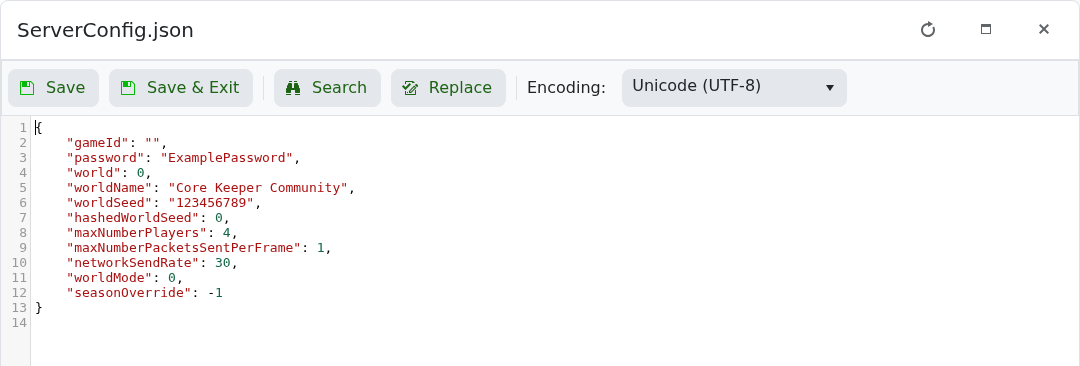
- Save the file and start the server.
"maxNumberPlayers": 4
This must be a number without quotation marks. Changing it does not increase the purchased slot allowance.
