Leaving gameId empty lets Core Keeper generate a connection ID. Set your own valid value if you want players to keep using the same ID.
- Stop the server and open Configuration Files.
- Click Text Editor beside
ServerConfig.json. - Enter an alphanumeric ID between 15 and 28 characters in
gameId.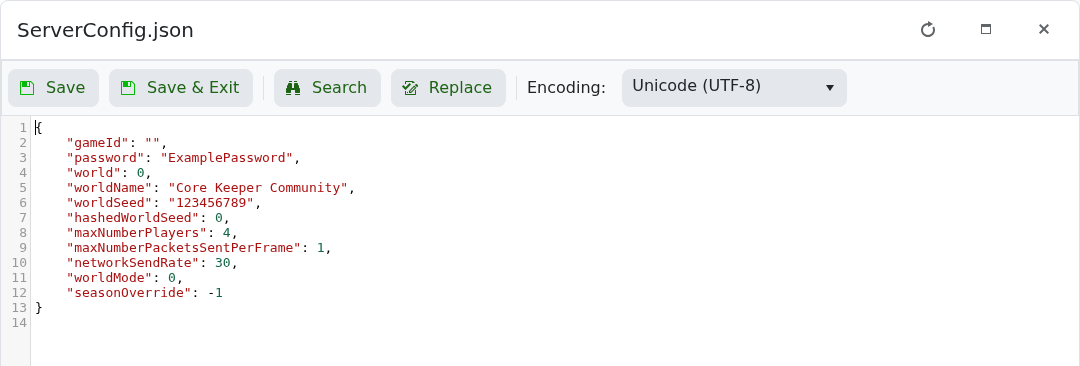
- Click Save & Exit and start the server.
- Reopen
GameID.txtand confirm the first line contains the expected ID.
"gameId": "LogicServersCore01"
Keep the JSON quotation marks and comma. An empty or invalid value is replaced with a generated ID when the server starts.
